
10 Budget-Friendly Tools Every Freelancer Needs to Thrive Without Breaking the Bank
Running a freelancing business means juggling multiple roles at once. You’re the marketer, the accountant, the project manager, and the service provider all rolled into one. But here’s the good news: you don’t need to drain your savings on expensive software to stay organized and productive. This list focuses on practical, affordable tools that deliver real value without the hefty price tags. Whether you’re just starting out or looking to trim your monthly expenses, these options will help you work smarter while keeping your budget intact.
- Legiit: Your Affordable Marketplace for Services and Tools
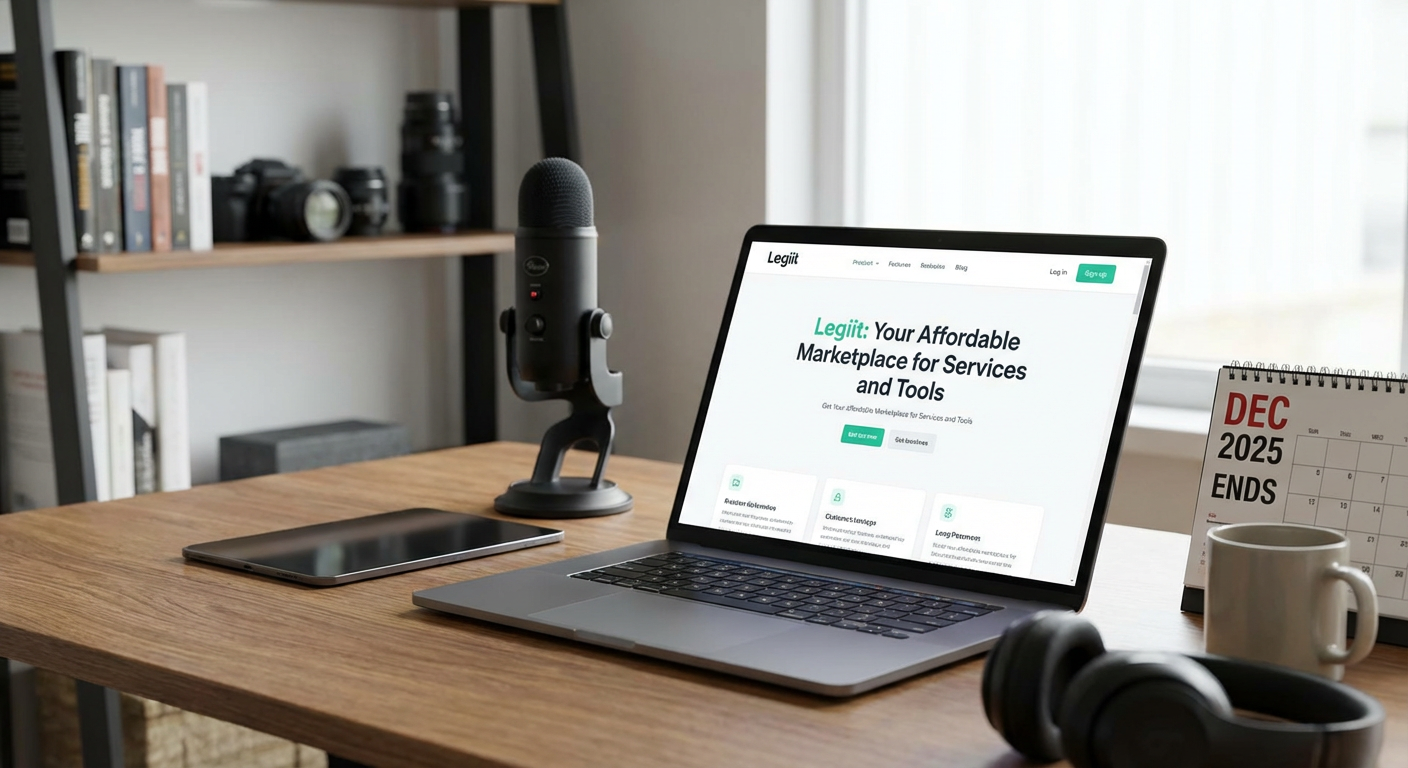
Legiit stands out as a cost-effective platform where freelancers can both sell their services and find affordable help for tasks outside their expertise. Unlike other marketplaces that charge steep commission fees, Legiit offers a more wallet-friendly structure that lets you keep more of what you earn.
The platform connects you with thousands of service providers offering everything from graphic design to content writing at competitive rates. When you need to outsource work or collaborate with other freelancers, you’ll find options that fit even the tightest budget. Plus, if you’re selling your own services, the lower fees mean better profit margins on every project you complete.
Many freelancers use Legiit to fill gaps in their skill sets without hiring expensive agencies. Need a logo designed or a website tweaked? You can find quality work at prices that make sense for small business owners. The platform also offers tools and resources specifically built for independent workers who want to grow without overspending.
- Wave: Free Accounting Software That Actually Works
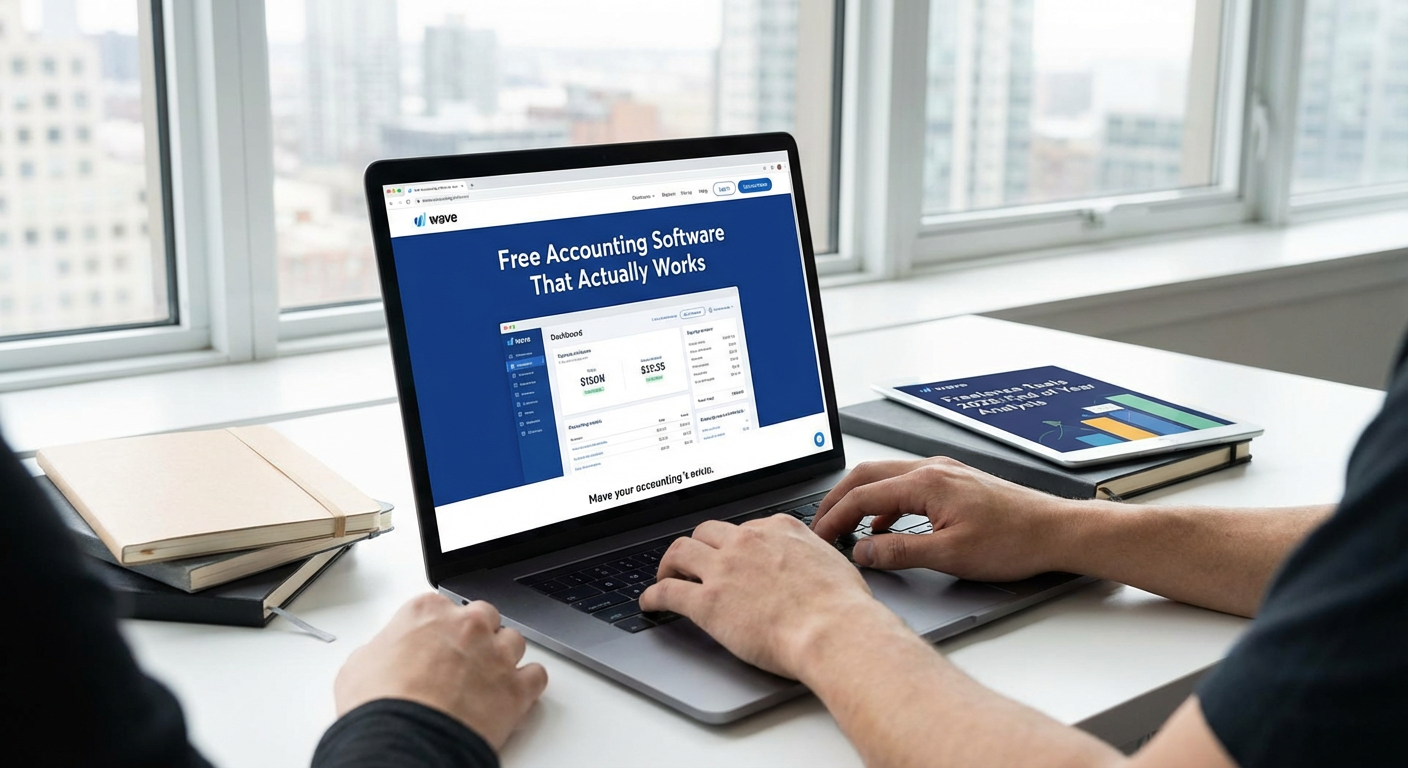
Wave provides completely free accounting software designed specifically for small businesses and freelancers. You can track income and expenses, send professional invoices, and even scan receipts using your phone, all without paying a monthly subscription.
The interface is clean and straightforward, which means you won’t need an accounting degree to figure out where your money is going. Wave makes money by offering optional paid services like payment processing and payroll, but the core accounting features remain free forever. This makes it perfect for freelancers who need solid financial tracking but can’t justify spending hundreds of dollars per year on software.
Thousands of freelancers rely on Wave to stay organized during tax season. The reports are clear and easy to share with your accountant, saving you both time and professional fees.
- Trello: Visual Project Management on a Shoestring
Trello’s free plan offers more than enough functionality for most solo freelancers and small teams. You get unlimited cards and up to 10 boards, which is plenty for managing client projects, tracking your own tasks, and organizing ideas.
The visual board system makes it easy to see what needs doing at a glance. You can drag cards between columns as work progresses, attach files, set due dates, and add checklists. The simplicity is part of the appeal because you can start using it productively within minutes of signing up.
While paid plans exist, the free version handles the needs of most freelancers without any pressure to upgrade. Many professionals use Trello for years without spending a cent, which speaks volumes about the value it provides.
- Canva: Professional Design Without Designer Prices
Canva’s free tier gives freelancers access to thousands of templates, stock photos, and design elements. You can create social media graphics, presentations, proposals, and marketing materials that look professionally designed without hiring a graphic designer or learning complex software.
The drag-and-drop interface means you don’t need technical skills to produce polished results. Whether you need a quick Instagram post or a detailed client proposal, Canva has templates that get you started fast. The free version includes enough features that many freelancers never feel the need to upgrade.
For those who do want more options, Canva Pro costs significantly less than traditional design software while offering features like background removal and brand kit storage. But the free plan alone can handle most daily design needs for budget-conscious freelancers.
- Google Workspace: Affordable Collaboration and Storage
Google Workspace starts at a very reasonable monthly rate and includes email with your custom domain, cloud storage, and the full suite of productivity apps. For freelancers who want to look professional with a branded email address, this represents excellent value.
You get access to Docs, Sheets, Slides, and Drive, which means you can create, edit, and share documents from anywhere. The collaboration features make it simple to work with clients and contractors in real time. Everything saves automatically to the cloud, protecting you from lost work if your computer crashes.
The basic plan provides enough storage for most freelancers, and the familiar interface means almost no learning curve. Many clients already use Google Workspace, making file sharing and communication naturally smooth.
- Clockify: Time Tracking That Won’t Cost You a Dime
Clockify offers unlimited time tracking for unlimited users completely free. You can track time across different projects, see detailed reports, and even track time manually if you forget to start the timer.
Knowing exactly where your hours go helps you price your services accurately and identify which clients or projects are actually profitable. The reports show you patterns in your work habits, helping you make better decisions about how to spend your time. You can also use tracked time to create detailed invoices that show clients exactly what they’re paying for.
The free version includes everything most freelancers need, including mobile apps and browser extensions. Paid plans add extra features like time auditing and advanced reporting, but the free tier covers the basics beautifully.
- Notion: The All-in-One Workspace for Organized Minds
Notion combines notes, databases, wikis, and project management into one flexible workspace. The free personal plan gives you unlimited pages and blocks, which is more than sufficient for managing your freelance business.
You can build custom systems for tracking clients, storing templates, managing your content calendar, and organizing research. The flexibility means you can shape Notion to match your exact workflow rather than adapting to rigid software. Many freelancers use it as their central hub, replacing multiple separate apps.
While the interface takes some time to learn, the investment pays off in long-term organization and efficiency. The free plan includes sharing with up to 10 guests, letting you collaborate with clients without extra costs.
- Zoom: Reliable Video Calls Without the Premium Price
Zoom’s free plan allows unlimited one-on-one meetings and group meetings up to 40 minutes. For most freelancer needs, this works perfectly fine. You can host client calls, conduct interviews, or collaborate with contractors without paying a subscription.
The video and audio quality remain strong even on the free tier, and features like screen sharing and recording are included. If you need longer group meetings, you can simply restart a new session after 40 minutes, though many freelancers find this limit actually helps keep meetings focused and efficient.
The platform is widely recognized and trusted, which means clients rarely hesitate when you send them a Zoom link. The free version has served countless freelancers well for years.
- Grammarly: Free Writing Assistant That Catches Mistakes
Grammarly’s free version catches spelling errors, basic grammar mistakes, and punctuation problems across almost every platform where you type. For freelancers who write emails, proposals, or content, this free safety net prevents embarrassing typos from reaching clients.
The browser extension works in Gmail, Google Docs, social media platforms, and most text fields online. It runs quietly in the background and only speaks up when it spots potential issues. While the premium version offers style suggestions and advanced checks, the free tier handles the fundamental proofreading that keeps your communication professional.
Even if you’re confident in your writing skills, Grammarly serves as a second pair of eyes that catches the small mistakes we all make when typing quickly.
- Buffer: Social Media Scheduling That Respects Your Budget
Buffer’s free plan lets you connect three social accounts and schedule up to 10 posts per account. For freelancers who need to maintain a professional presence online without spending hours on social media each day, this provides real value at zero cost.
You can batch-create your social content during productive times and schedule it to post when your audience is most active. The simple interface makes scheduling fast and painless. Buffer also provides basic analytics so you can see which posts resonate with your followers.
While agencies might need paid plans, solo freelancers often find the free tier perfectly adequate for maintaining consistent visibility and engaging with potential clients across platforms.
Building a successful freelancing business doesn’t require a massive software budget. The tools on this list prove you can stay organized, look professional, and work efficiently without spending hundreds of dollars each month on subscriptions. Start with free versions and only upgrade when you’re certain the additional features will directly improve your income or save significant time. Many freelancers run profitable businesses for years using primarily free tools, investing their money in growth and savings instead. Focus on mastering a few solid tools rather than collecting subscriptions, and you’ll find your business runs smoothly while your bank account stays healthy.