

10 Beginner-Friendly Platforms to Prototype AI Apps for SMBs Without a Tech Degree
Building AI apps for your small or medium-sized business doesn’t require a computer science degree or a team of developers. If you’re new to AI and want to test ideas without getting buried in code, you need platforms that make the process simple and approachable. This list focuses on tools that welcome beginners with open arms, offering visual interfaces, helpful tutorials, and gentle learning curves. Whether you’re automating customer service, analyzing data, or building a chatbot, these platforms will help you create working prototypes quickly so you can see if your idea has legs before investing serious money or time.
- Legiit
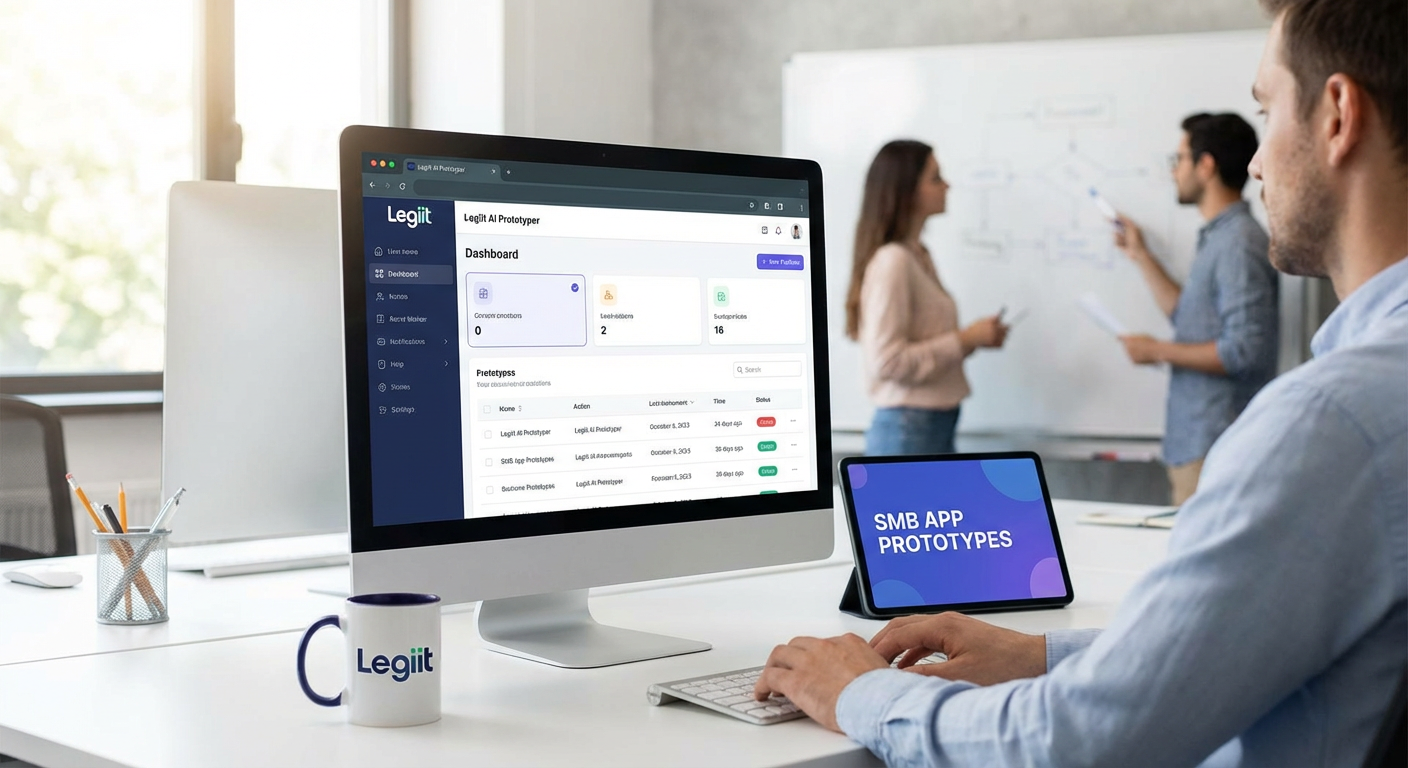
Legiit takes a different approach by connecting you with experienced freelancers who can build your AI prototype for you. This matters for beginners because sometimes the fastest way to learn is by working alongside someone who already knows the ropes. You describe what you want, hire a specialist who understands AI tools and small business needs, and get a working prototype without wrestling with software yourself.
The platform hosts thousands of freelancers offering services specifically for AI development, chatbot creation, automation setup, and more. You can browse portfolios, read reviews, and find someone within your budget. For business owners who want results fast and prefer to focus on strategy rather than technical details, this hands-on help removes the intimidation factor completely. Think of it as having a guide who builds your prototype while teaching you what’s possible along the way.
- Bubble

Bubble offers a visual programming environment that lets you build web applications by dragging and dropping elements instead of writing code. The interface feels like arranging blocks on a page, which makes it much less scary for newcomers. You can add AI features through plugins that connect to services like OpenAI, giving your app smart capabilities without needing to understand how the AI actually works under the hood.
The learning curve is manageable because Bubble provides video tutorials and a active community forum where beginners ask questions and get helpful answers. You start with simple projects like a basic form or landing page, then gradually add complexity as you get comfortable. Many small business owners have used Bubble to prototype customer portals, booking systems, and internal tools that use AI for recommendations or data analysis. The free tier lets you experiment without spending money, which is perfect when you’re still figuring things out.
- Chatbot.com
If your prototype idea involves conversational AI, Chatbot.com removes most of the complexity. The platform uses a visual builder where you create conversation flows by connecting boxes that represent different chat messages and responses. You can see the entire conversation map on your screen, which helps you think through how users will interact with your bot.
The templates give you a head start for common business scenarios like appointment booking, customer support, or lead generation. You don’t need to know anything about natural language processing because the platform handles that part automatically. Testing is simple too. You can chat with your prototype right inside the builder to see how it responds, then adjust the conversation flow until it feels right. Within a few hours, most beginners can have a working chatbot prototype ready to test with real customers.
- Voiceflow
Voiceflow specializes in building voice and chat assistants through a drag-and-drop interface that feels intuitive even if you’ve never built anything before. The canvas layout shows your conversation as a flowchart, making it easy to spot where users might get stuck or confused. This visual approach helps beginners think through user experience without getting lost in technical details.
What makes Voiceflow particularly beginner-friendly is how it handles AI integration. You can add smart features like intent recognition and entity extraction through simple toggles and dropdown menus. The platform also lets you prototype for multiple channels, so you can test whether your AI assistant works better as a voice interface, a chat widget, or both. The free plan includes enough features to build and test a full prototype, and the documentation uses plain language instead of developer jargon.
- Glide
Glide turns spreadsheets into mobile apps, which is brilliant for beginners because most business people already know how to use spreadsheets. You connect a Google Sheet containing your data, then use Glide’s interface to design how that data appears and functions in an app. Adding AI features happens through integrations that feel like adding any other app component.
This approach works well for small business prototypes because your data stays in a familiar format you can easily edit and update. You might build an inventory app that uses AI to predict restocking needs, or a customer directory that suggests similar contacts based on AI analysis. The barrier to entry is remarkably low since you’re working with tools you already understand. When your prototype needs changes, you just update the spreadsheet. Glide handles the rest automatically, which means less time troubleshooting and more time testing your business idea.
- Zapier Interfaces
Zapier built its reputation on connecting apps together without code, and Interfaces extends that simplicity to building actual applications. You create forms, pages, and workflows using a straightforward builder that feels more like filling out a survey than programming. The real power comes from connecting your interface to AI services through Zapier’s thousands of integrations.
For beginners, this means you can build a prototype that uses AI for text analysis, image recognition, or data processing by simply selecting the service you want from a list and filling in a few fields. You don’t need API keys, authentication setup, or any of the usual technical headaches. A small business owner could prototype an expense approval system that uses AI to categorize receipts, or a content management tool that generates summaries automatically. The whole process feels like connecting puzzle pieces rather than building something from scratch.
- Adalo
Adalo focuses on helping non-technical people build mobile and web apps through a visual editor that emphasizes simplicity. The component library includes pre-built elements for common features like user login, lists, forms, and maps. You arrange these components on a screen, connect them to a database, and your app starts working.
AI capabilities come through marketplace add-ons that plug into your Adalo app with minimal setup. You might add sentiment analysis to a customer feedback app, or image recognition to a product catalog. The platform guides you through each step with clear instructions and examples. Testing happens instantly because you can preview your app on your phone as you build it. This immediate feedback loop helps beginners learn quickly because you see the results of each change right away. The community also shares templates for common business apps, giving you working examples to learn from and modify.
- Landbot
Landbot specializes in conversational interfaces that work on websites and messaging apps. The builder uses a flowchart approach where you connect message blocks to create conversations. What sets it apart for beginners is how visual and immediate everything feels. You type a message in one block, draw a line to the next block, and you’ve created a conversation path.
The AI features include natural language understanding that you activate with simple toggles. You don’t configure complex models or train algorithms. Instead, you tell Landbot what kinds of information you want to extract from user messages, and it handles the technical parts. Small businesses use this to prototype lead qualification bots, customer service assistants, and interactive surveys that feel more engaging than traditional forms. The preview function lets you chat with your bot while you build it, so you catch problems before anyone else sees them.
- Airtable with Automations
Airtable looks like a spreadsheet but works like a database, giving beginners a familiar starting point that grows more powerful as they learn. The recent addition of automations and AI features means you can build prototypes that process information intelligently without leaving the Airtable environment. You might create a system that categorizes customer inquiries, scores leads, or generates responses based on templates.
The interface uses plain language for setting up rules and triggers. Instead of writing if-then statements in code, you select options from dropdowns that say things like “when a record is created” or “if a field contains.” AI features connect through simple integrations that add smart capabilities to your workflow. For small business owners prototyping operational tools, this approach feels natural because you’re organizing information the same way you always have, just with some AI assistance added on top. The learning resources include video tutorials that show real business examples rather than abstract technical concepts.
- Tally Forms with AI
Tally makes form building ridiculously simple, and its AI features help you create smarter data collection tools without any technical knowledge. The form builder works like a document editor where you type questions and they automatically become form fields. You can add conditional logic that shows or hides questions based on previous answers, creating dynamic experiences that feel personalized.
The AI capabilities help with tasks like generating form questions from a description, analyzing responses for patterns, and even creating follow-up questions automatically. For small businesses prototyping customer intake processes, survey tools, or application systems, this removes a lot of the manual work. You describe what information you need, and Tally helps structure the form to collect it effectively. The results feed into other tools through integrations, so your prototype can trigger actions in your CRM, email system, or project management software. Everything happens through a clean interface that never makes you feel like you’re in over your head.
Starting with AI doesn’t mean diving into programming languages or machine learning theory. These beginner-friendly platforms prove you can build working prototypes using visual tools, templates, and helpful communities that support your learning. Pick the platform that matches your specific prototype idea, whether that’s a chatbot, a mobile app, or an automated workflow. Start small with a simple version of your concept, test it with real users, and refine based on what you learn. The technical barriers that once kept small businesses out of AI development have largely disappeared. What matters now is your willingness to experiment and your understanding of what problems your customers need solved. These tools give you the means to test your ideas quickly and affordably, so you can focus on building something people actually want to use.