

10 Budget-Friendly Calendar and Time Management Tools Every Freelancer Needs
Managing your time as a freelancer can feel like juggling flaming torches while riding a unicycle. Between client deadlines, invoicing, marketing yourself, and actually doing the work, it’s easy to lose track of hours and miss important commitments. The good news? You don’t need to spend hundreds of dollars on fancy software to stay organized. This list focuses on affordable and free calendar and time management tools that deliver real value without draining your bank account. Whether you’re just starting out or looking to trim expenses, these options will help you take control of your schedule without breaking the budget.
- Legiit for Project and Client Management
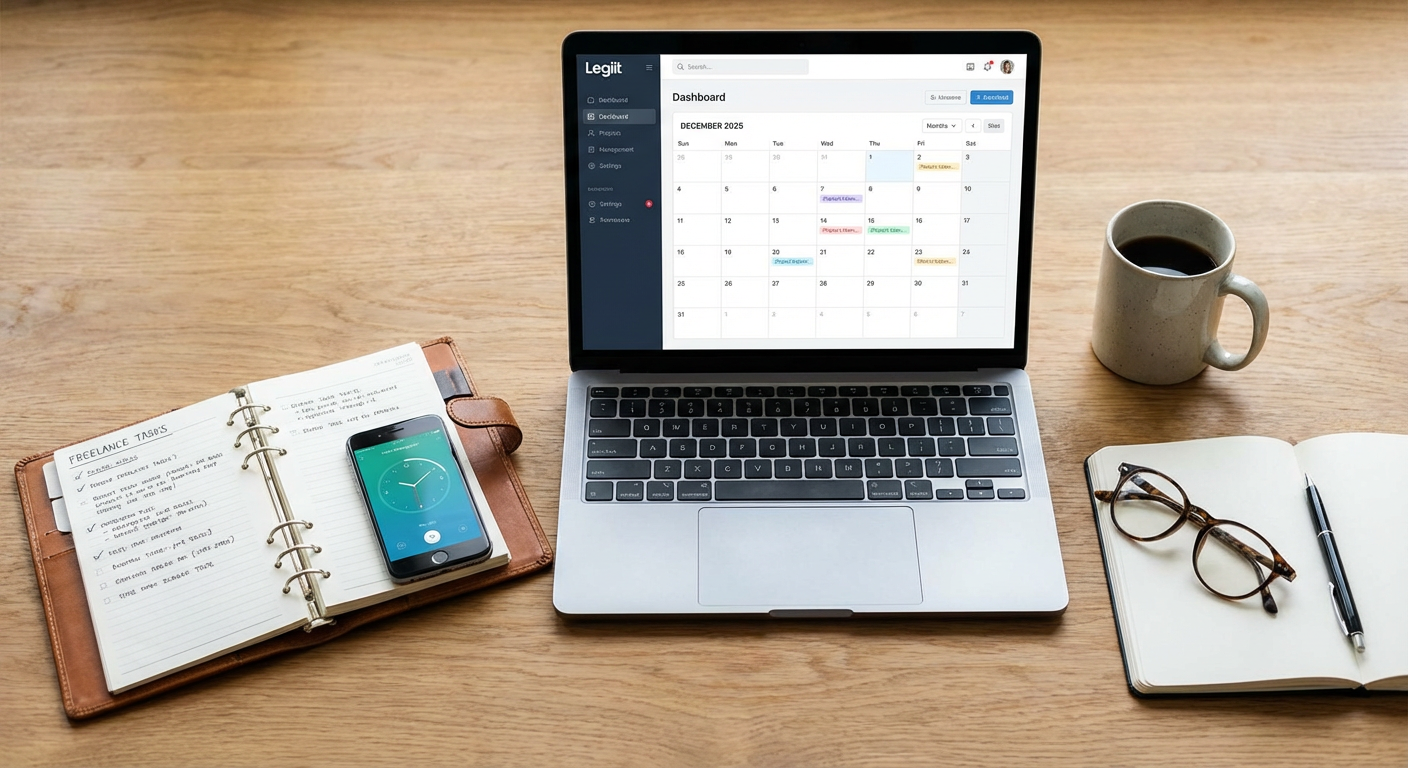
Legiit offers freelancers a platform that combines project management, client communication, and payment processing in one affordable space. Instead of paying for multiple subscriptions to handle different aspects of your business, you can manage client relationships and track project timelines without the overhead of expensive software.
The platform helps you keep your calendar organized by showing all active projects and deadlines in one dashboard. For freelancers watching their expenses, consolidating tools means fewer monthly fees and less time switching between different applications. The built-in messaging and file sharing also reduce the need for separate communication tools, making it a practical choice when you’re focused on maximizing value for every dollar spent.
- Google Calendar for Basic Scheduling
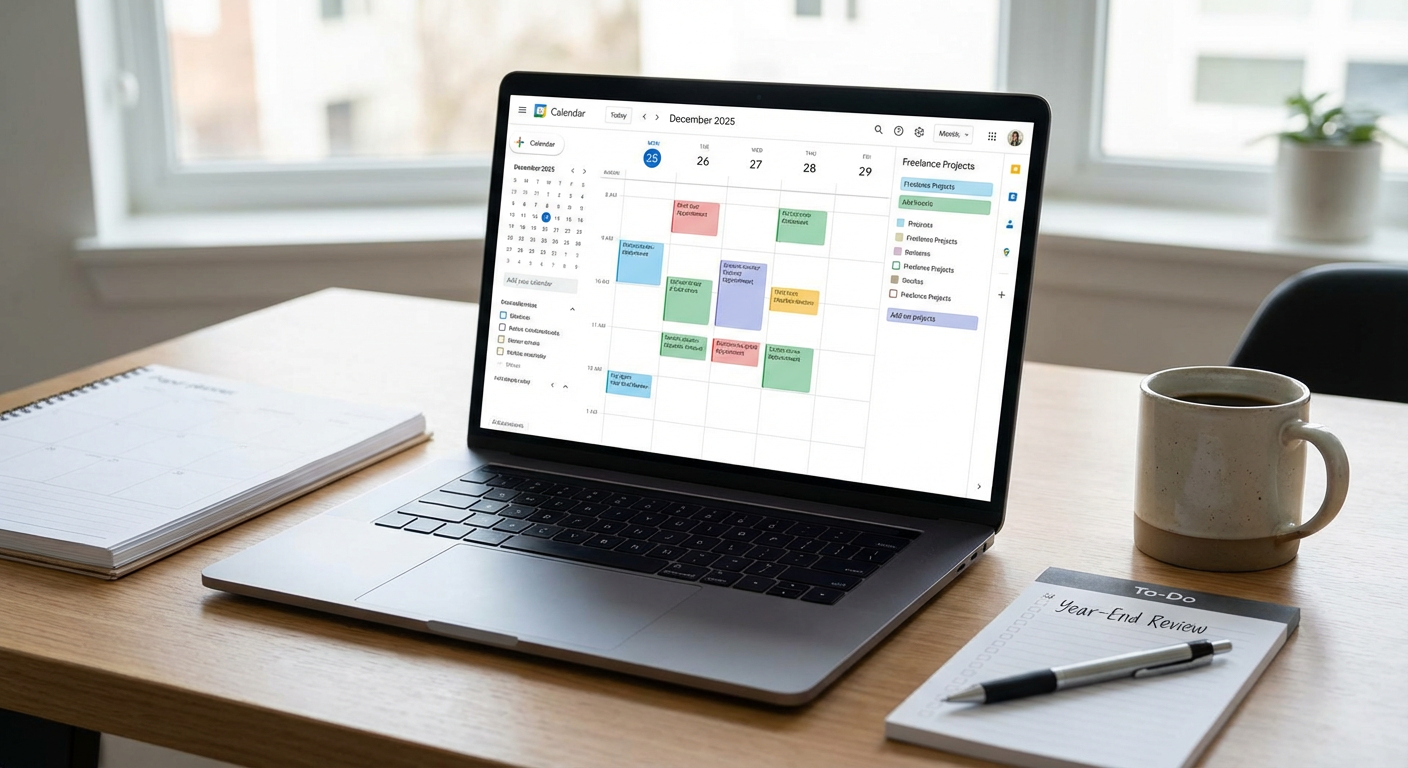
Google Calendar remains one of the most reliable free tools for managing your time as a freelancer. It syncs across all your devices, sends reminders, and integrates with Gmail to automatically add events from your emails. You can create multiple calendars for different clients or project types, color-code them, and share specific calendars with clients when needed.
The mobile app works offline, so you can check your schedule even without internet access. You can set up recurring events for regular client meetings or weekly planning sessions, and the ability to attach files or add video call links directly to calendar events keeps everything centralized. Since it’s completely free and most people already have a Google account, there’s no learning curve or additional cost to get started.
- Toggl Track for Time Tracking Without the Price Tag
Toggl Track offers a generous free plan that lets you track unlimited time entries, perfect for freelancers who bill by the hour or want to understand where their time actually goes. The one-click timer makes it simple to start tracking whenever you begin a task, and you can categorize time by project or client.
The free version includes basic reporting features that show you how much time you’ve spent on different activities each week or month. This data becomes invaluable when you’re estimating how long future projects will take or identifying tasks that consume too much time for too little pay. The browser extension and mobile apps mean you can track time no matter where you’re working, and exporting your data for invoicing is straightforward.
- Clockify for Team Collaboration on a Budget
Clockify stands out because it offers unlimited users and projects on its free plan, making it ideal if you occasionally collaborate with other freelancers or have a small team. Like Toggl, it provides time tracking with detailed reports, but the unlimited user feature means you can bring others into your workspace without paying extra.
You can track billable versus non-billable hours, set hourly rates for different project types, and generate reports that show profitability by client or project. The calendar view lets you see your tracked time laid out visually, making it easy to spot patterns or gaps in your schedule. For freelancers who need more than basic time tracking but can’t afford expensive project management software, Clockify delivers impressive functionality at no cost.
- Calendly Free Plan for Client Scheduling
Scheduling calls and meetings with clients can turn into an endless email chain of “Does Tuesday work?” and “Actually, can we do Wednesday instead?” Calendly’s free plan solves this by letting clients book time slots directly from your availability. You connect it to your Google Calendar or other calendar service, set your available hours, and share your booking link.
The free version allows one event type and basic customization, which is enough for most solo freelancers who just need a simple way to schedule discovery calls or project kickoff meetings. Clients can select a time that works for them without the back-and-forth, and both parties receive automatic confirmation emails. This small automation saves hours over the course of a month and looks more professional than the alternative.
- Notion Calendar Integration for All-in-One Planning
Notion offers a free plan that includes calendar functionality alongside notes, databases, and task management. While it has a learning curve, the payoff is having one tool that handles your entire workflow instead of paying for separate apps for notes, tasks, and calendars.
You can create a database of all your projects with due dates, then view those dates in calendar format. Add notes from client meetings, attach files, and link related tasks all in one place. The template gallery includes free calendar templates designed specifically for freelancers, which you can customize to fit your needs. Once you invest the time to set it up, Notion can replace three or four paid tools, making it a smart choice for budget-conscious freelancers.
- Trello with Calendar Power-Up for Visual Time Management
Trello’s free plan gives you unlimited cards and up to ten boards, which is plenty for most freelancers managing a handful of clients. The Calendar Power-Up, available on the free plan, transforms your Trello boards into calendar views so you can see all your tasks and deadlines in a familiar format.
You can create cards for each task or project milestone, add due dates, and then view everything on a monthly calendar. Drag and drop cards to reschedule tasks, add checklists within cards to break down larger projects, and attach files or links. The visual nature of Trello makes it easy to see what’s coming up and what might be falling through the cracks. For freelancers who think visually and want simple project tracking, Trello delivers serious value at zero cost.
- Microsoft Outlook Calendar for Email Integration
If you already use Outlook for email, the built-in calendar is a no-brainer for time management. The free version through Outlook.com includes calendar functionality that rivals paid options, with the ability to create multiple calendars, set reminders, and share calendars with others.
The tight integration between email and calendar means you can turn emails into calendar events with just a few clicks, and meeting invitations automatically appear on your schedule. You can categorize events by color, set up recurring appointments, and view your calendar by day, week, or month. The mobile app keeps you synced across devices, and since many clients also use Outlook, sharing availability or sending meeting invites works smoothly. For freelancers already in the Microsoft ecosystem, this is essentially free calendar software you’re already paying for.
- RescueTime Lite for Automatic Time Tracking
RescueTime Lite is the free version of RescueTime that runs quietly in the background on your computer and tracks which applications and websites you use throughout the day. Instead of manually starting and stopping timers, you get an automatic record of where your time goes.
At the end of each week, you receive a report showing how many hours you spent in different categories like communication, writing, or social media. This awareness alone can help you identify time drains and adjust your habits. The free version includes basic productivity scores and trends over time. For freelancers who struggle with manual time tracking or want to understand their work patterns better, RescueTime Lite provides valuable insights without requiring any ongoing effort or expense.
- Simple Spreadsheet Time Blocking System
Sometimes the best tool is the one you already have. A basic spreadsheet in Google Sheets or Excel can become a powerful time management system with a little setup. Create a weekly template with days across the top and time blocks down the side, then fill in your scheduled activities and tasks for each block.
This method costs nothing and gives you complete control over the format and structure. You can color-code different types of work, add notes about what you accomplished, and adjust the template as your needs change. Many successful freelancers swear by time blocking as a productivity method, and a spreadsheet is one of the simplest ways to implement it. You can duplicate your template each week, save old weeks for reference, and even track patterns over time. While it lacks automatic reminders, the act of manually planning your week in a spreadsheet can actually increase your commitment to following through.
Managing your calendar and time effectively doesn’t require expensive software subscriptions that eat into your freelance income. The tools on this list prove that you can stay organized, meet deadlines, and track your productivity without spending a fortune. Start with one or two free options that address your biggest pain points, whether that’s scheduling client calls, tracking billable hours, or simply remembering what you need to do each day. As your freelance business grows and your income increases, you can always upgrade to paid versions with more features. For now, these budget-friendly tools will help you build solid time management habits that serve you well no matter which software you eventually choose. The best calendar system is the one you’ll actually use consistently, and fortunately, that system doesn’t have to cost you anything.