
10 Budget-Friendly Management Tools Every Freelancer Needs
Running a freelancing business means wearing multiple hats, and proper management tools can make the difference between chaos and smooth operations. The good news? You don’t need to drain your bank account to stay organized and professional. Whether you’re just starting out or looking to cut costs without sacrificing quality, these affordable management tools will help you handle projects, clients, and daily operations without breaking the budget. Let’s look at the best options that deliver real value for your money.
- Legiit
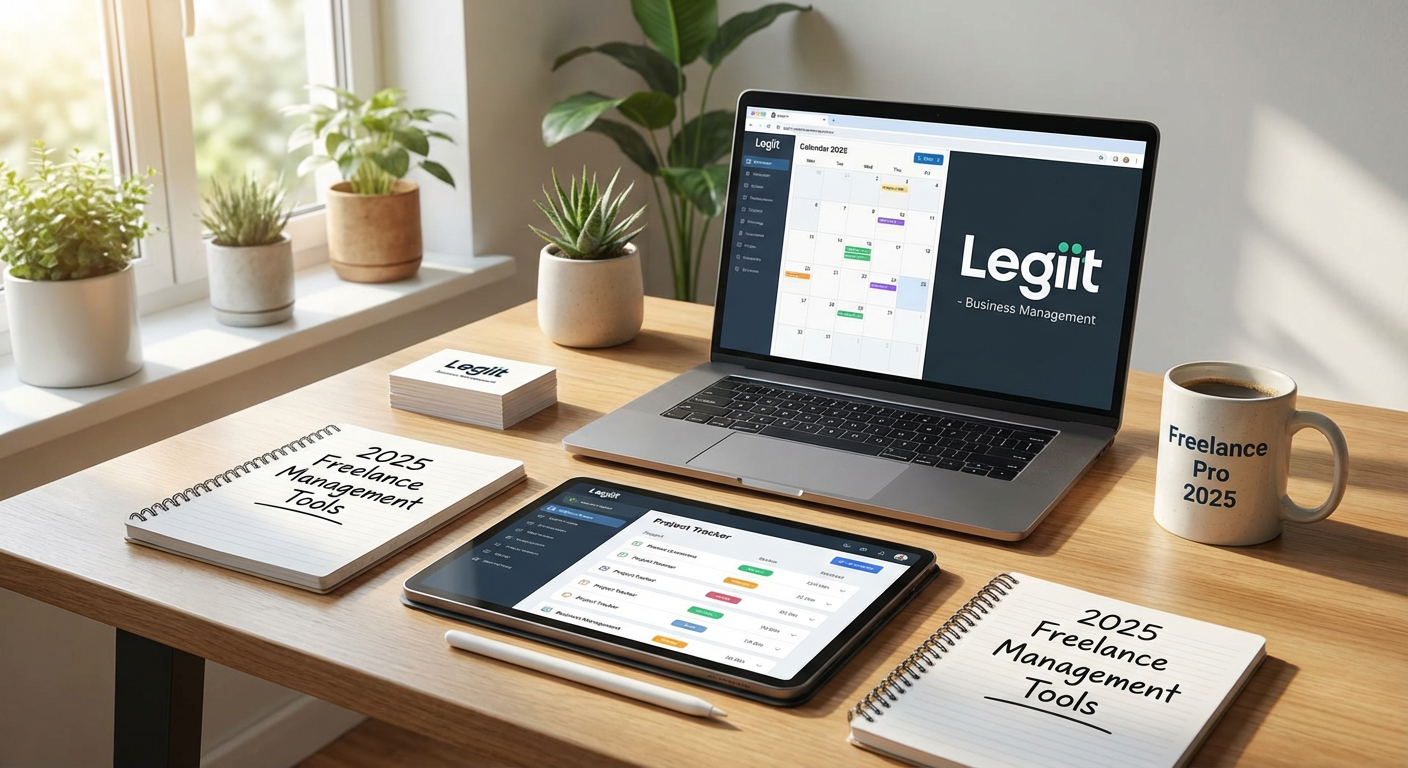
When you need to outsource parts of your workload or find skilled collaborators, Legiit offers a cost-effective marketplace built specifically for freelancers and digital service providers. Instead of paying hefty platform fees that eat into your margins, you can find affordable services across categories like content writing, design, marketing, and development.
The platform connects you with other freelancers who understand project-based work, making communication and collaboration smoother. You can browse fixed-price services that fit your budget, which helps you plan expenses accurately. For freelancers managing multiple clients or projects, having access to reliable help at reasonable rates means you can scale your business without hiring full-time staff or committing to expensive agency contracts.
- Trello for Project Tracking
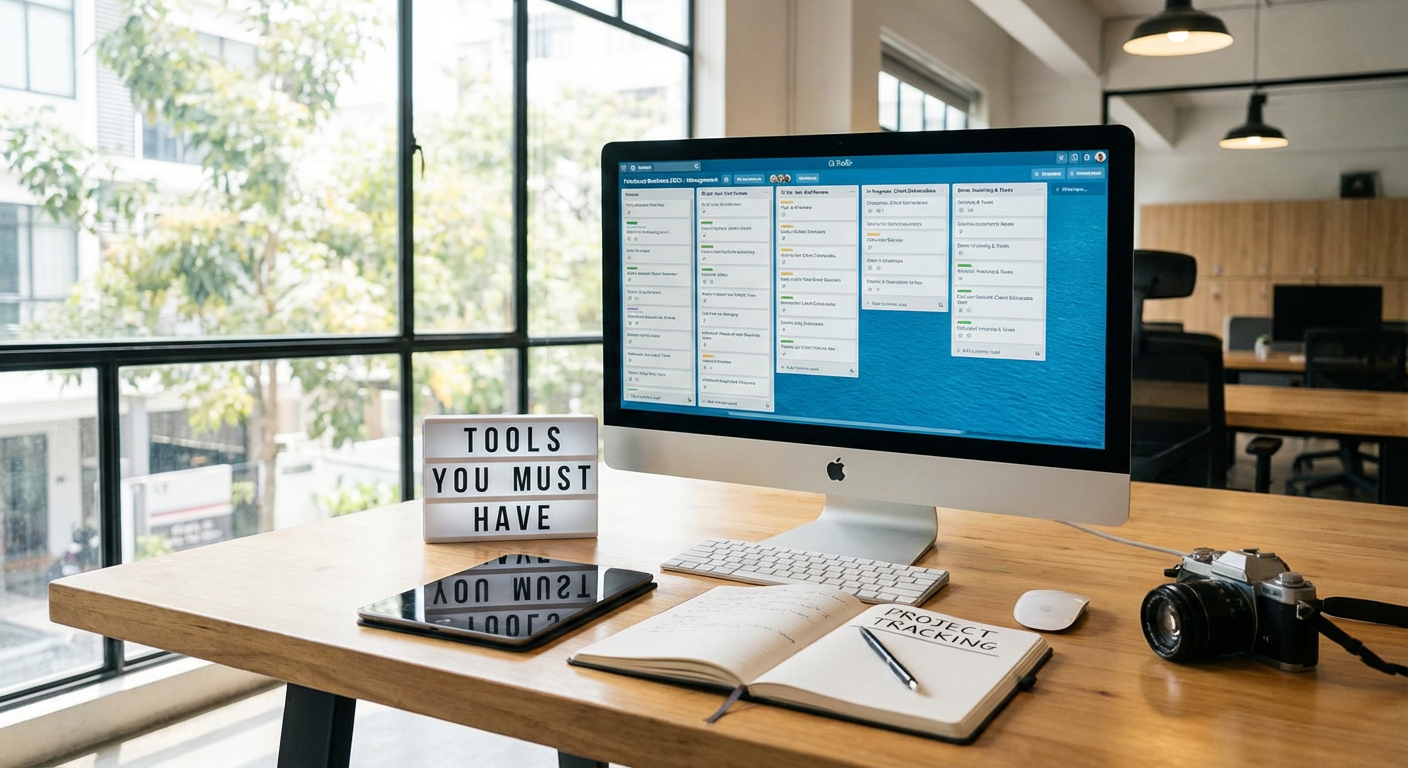
Trello gives you a visual way to manage projects using boards, lists, and cards, and its free plan is surprisingly generous. You can track multiple client projects, organize tasks by priority, and collaborate with clients or team members without spending a cent.
The drag-and-drop interface makes it simple to move tasks through different stages, from ‘To Do’ to ‘In Progress’ to ‘Completed.’ You can attach files, set due dates, and add checklists to individual cards. Most freelancers find the free version provides everything they need, though paid plans start at just a few dollars monthly if you want advanced features like automation. The ability to see your entire workload at a glance reduces stress and helps you avoid missing deadlines.
- Wave for Invoicing and Accounting
Wave offers completely free invoicing, accounting, and receipt scanning for small businesses and freelancers. You can create professional invoices, track expenses, generate financial reports, and monitor your cash flow without paying monthly subscription fees.
The software handles multiple clients, recurring invoices, and payment reminders automatically. Wave makes money by offering optional paid services like payment processing and payroll, but the core accounting features remain free forever. This makes it perfect for budget-conscious freelancers who need solid financial management without the price tag of QuickBooks or FreshBooks. The clean interface means you won’t need an accounting degree to understand your business finances.
- Google Workspace Free Tools
Google’s free suite includes Gmail, Google Drive, Google Docs, Sheets, Calendar, and Meet, providing a complete office setup at zero cost. You get 15GB of cloud storage, collaborative document editing, video conferencing, and professional email capabilities.
For freelancers managing client communications, file sharing, and document creation, these tools cover most daily needs. You can share folders with clients, collaborate on documents in real time, and schedule meetings without juggling multiple platforms. The search functionality across all Google tools is excellent, making it easy to find old emails, documents, or files quickly. If you need more storage or a custom domain email, paid plans start at reasonable monthly rates.
- Clockify for Time Tracking
Clockify provides free time tracking for individuals and teams with no limits on projects or users. You can track billable hours, generate timesheet reports, and analyze where your time actually goes throughout the week.
The tool works across web, desktop, and mobile, so you can start and stop timers from anywhere. This helps you bill clients accurately for hourly work and understand which projects consume the most time. Many freelancers discover they’re undercharging for certain tasks once they see the actual hours involved. Clockify also includes basic project budgeting features, letting you set time estimates and monitor whether projects stay on track. The free plan genuinely covers what most solo freelancers need.
- Notion for Documentation and Knowledge Management
Notion combines notes, databases, wikis, and project management into one flexible workspace. The free personal plan is generous, offering unlimited pages and blocks for individual freelancers.
You can create client databases, maintain standard operating procedures, store templates, and organize all your business documentation in one searchable place. The ability to create linked databases means you can build custom management systems that fit your specific workflow. Many freelancers use Notion as their central hub, replacing multiple apps with this single tool. The learning curve is moderate, but once you understand the basics, you can customize it to handle everything from content calendars to client onboarding processes.
- Calendly for Appointment Scheduling
Calendly eliminates the back-and-forth emails when scheduling client calls or meetings. The free plan lets you create one event type and connect one calendar, which is enough for many freelancers.
Clients simply choose an available time slot that works for them, and the meeting automatically appears on your calendar. This saves hours of coordination time and makes you look more professional. You can set buffer times between meetings, specify your working hours, and avoid double bookings. The free version includes basic customization options for your booking page. Paid plans add features like multiple event types and team scheduling, but start at affordable monthly rates if you need them.
- Slack Free Plan for Client Communication
While Slack’s paid plans get attention, the free version works well for freelancers managing a handful of clients or small teams. You can create separate channels for different projects, send direct messages, share files, and search the last 90 days of message history.
This keeps client communications organized and separate from your personal email inbox. You can integrate other tools like Google Drive or Trello, centralizing notifications in one place. The free plan includes voice and video calls, though with some limitations. For freelancers who want more professional communication than email threads but can’t justify expensive collaboration software, Slack’s free tier hits the sweet spot.
- Canva Free for Visual Content Creation
Canva’s free plan provides access to thousands of templates, stock photos, and design elements for creating professional graphics. Freelancers can design social media posts, presentations, proposals, and marketing materials without hiring a designer or buying expensive software like Adobe Creative Suite.
The drag-and-drop interface makes design accessible even if you lack formal training. You can maintain brand consistency by saving your colors and fonts, and resize designs for different platforms with a few clicks. While the Pro plan adds features like brand kits and premium templates, the free version covers most freelancer needs. This tool is particularly valuable if you handle your own marketing or need to create visual content as part of client deliverables.
- LastPass Free for Password Management
Managing passwords for multiple client accounts, tools, and platforms becomes complicated fast. LastPass offers a free plan that stores unlimited passwords on one device type and includes basic security features.
You can generate strong, unique passwords for each account without trying to remember them all. The autofill feature saves time when logging into various platforms throughout your workday. Security is critical for freelancers who often handle client accounts or sensitive information. LastPass encrypts your password vault, meaning even they can’t access your passwords. The free version works on either mobile or desktop, which covers most freelancers who primarily work from one device type. Paid plans that sync across all devices remain affordable compared to the risk of a security breach.
Managing a freelancing business doesn’t require expensive software subscriptions that eat into your profit margins. These budget-friendly tools provide the core functionality you need to stay organized, communicate professionally, and deliver quality work to clients. Start with the free versions and upgrade only when your business growth justifies the expense. Many successful freelancers run their entire operations on free or low-cost tools, proving that smart management is about choosing the right solutions, not the most expensive ones. Test a few options from this list and build a management system that works for your specific needs and budget.