
10 Budget-Friendly Tools Every Freelancer Needs, Organized by What You’ll Actually Pay
Running a freelancing business doesn’t mean you need to drain your bank account on expensive software subscriptions. Whether you’re just starting out or looking to trim costs without sacrificing quality, the right tools can help you work smarter while keeping more money in your pocket. This guide breaks down ten practical tools every freelancer should consider, organized by cost from free to premium, so you can build your toolkit based on what fits your budget right now.
- Legiit: Affordable Freelance Marketplace with Built-In Client Tools
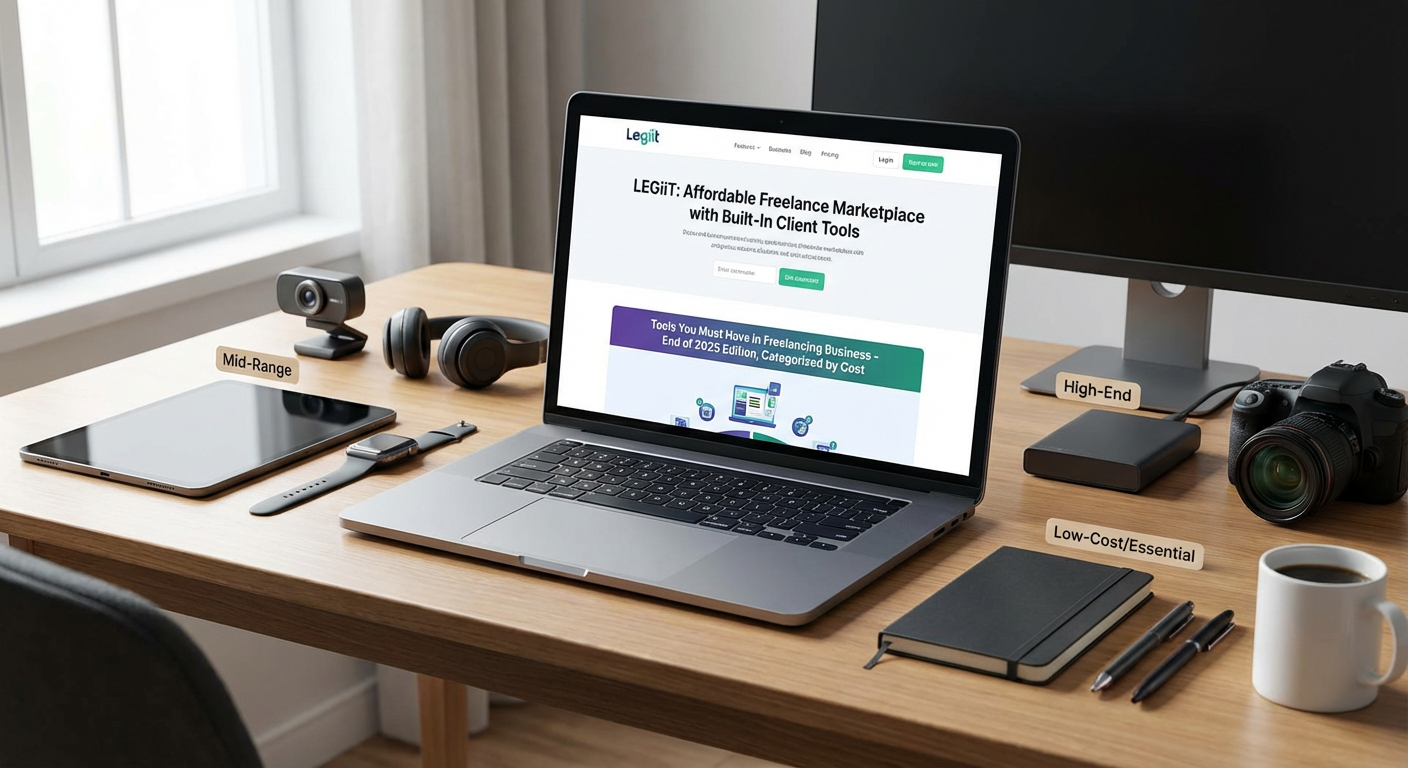
Legiit offers freelancers a cost-effective way to find clients and manage projects without the hefty commission fees that plague other platforms. Unlike competitors that take 20% or more of your earnings, Legiit charges significantly lower fees, letting you keep more of what you earn. The platform includes project management features, secure payment processing, and a marketplace where you can list your services at your own prices.
For freelancers watching their budgets, this matters because every percentage point counts when you’re building a business. You get access to a professional storefront, client communication tools, and payment protection without needing to invest in separate software for each function. The lower fees mean you can price your services more competitively while still maintaining healthy profit margins.
- Wave: Completely Free Accounting Software for Small Operations
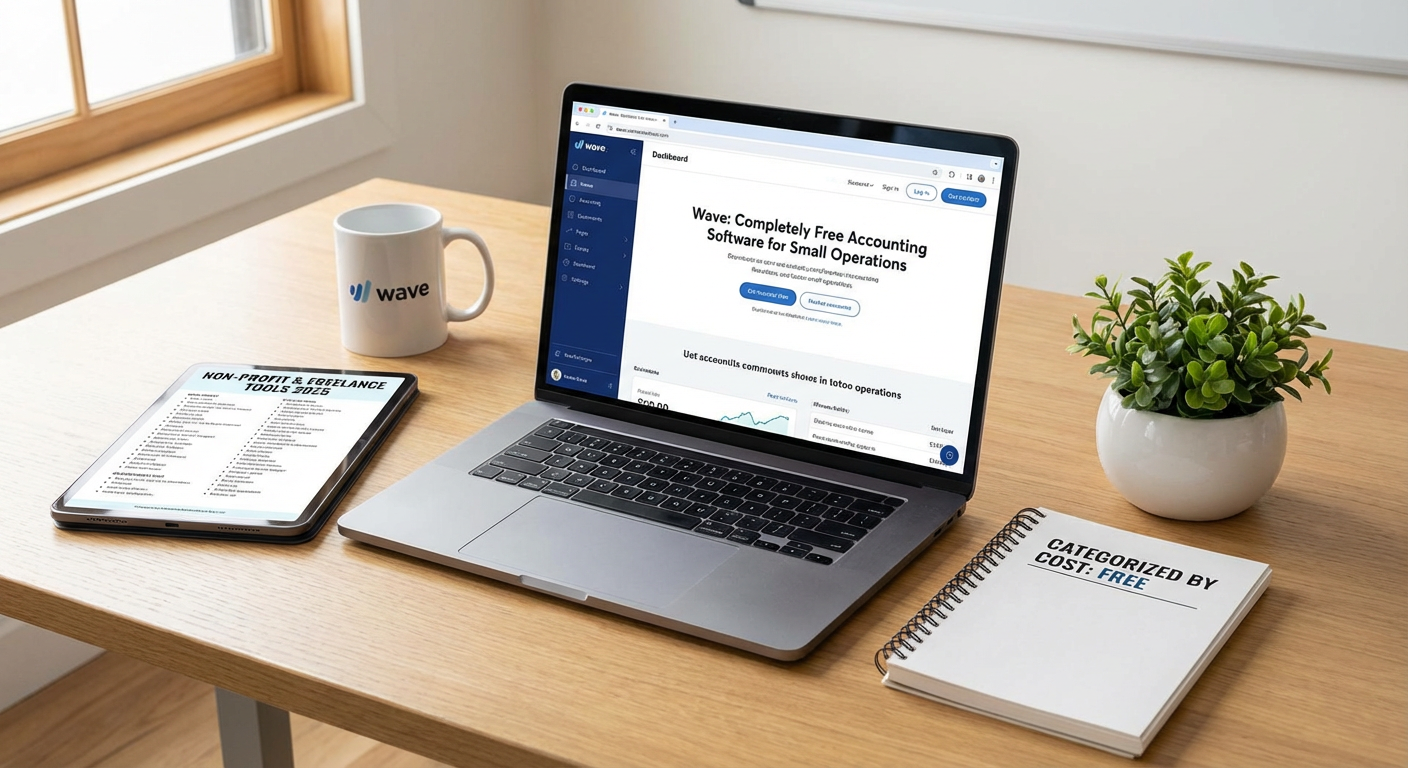
Wave provides full-featured accounting software at zero cost, which makes it perfect for freelancers who can’t justify expensive bookkeeping subscriptions. You get invoicing, expense tracking, receipt scanning, and financial reporting without paying a monthly fee. The software handles multiple currencies and integrates with your bank accounts to automate transaction imports.
The catch is minimal. Wave makes money by offering optional paid services like payment processing and payroll, but the core accounting features remain free forever. For a solo freelancer or small operation, this covers everything you need to stay organized at tax time. The interface is clean and straightforward, so you don’t need an accounting degree to figure out where your money is going each month.
- Google Workspace: Low-Cost Productivity Suite with Professional Email
Google Workspace starts at just a few dollars per month and gives you a professional email address using your own domain name, plus access to Drive, Docs, Sheets, and Meet. Having an email that matches your business name instantly makes you look more legitimate to potential clients. The collaboration features let you share documents and work with clients in real time without buying expensive office software.
Cloud storage is included in even the basic plan, so you can access your files from anywhere without worrying about losing work if your computer crashes. The search functionality across all your files and emails saves hours of hunting through folders. For the price of a coffee, you get tools that used to cost hundreds of dollars in software licenses.
- Canva Free: Design Tool That Rivals Paid Alternatives
Canva’s free tier gives freelancers access to thousands of templates, stock photos, and design elements without spending a cent. You can create social media graphics, presentations, proposals, and marketing materials that look professionally designed. The drag-and-drop interface means you don’t need design experience to produce clean, attractive visuals.
While the paid version offers more features, the free plan provides more than enough for most freelancers. You can resize designs for different platforms, download in multiple formats, and even create simple animations. This eliminates the need to hire a designer for basic branding tasks or pay for expensive software like Photoshop when you just need to create an Instagram post or client presentation.
- Notion: Free Project Management and Note-Taking Hybrid
Notion combines project management, note-taking, databases, and wikis into one flexible tool with a generous free plan for individuals. You can track client projects, organize research, manage your content calendar, and store important information all in one place. The template gallery provides ready-made setups for common freelancer needs like client trackers and project dashboards.
The free version doesn’t limit the number of pages or blocks you can create, which means you won’t hit a paywall as your business grows. You can share pages with clients for collaboration or keep everything private. The learning curve exists, but once you understand how blocks and databases work, you can customize the tool to match exactly how your brain organizes information. This replaces multiple paid subscriptions for project management, documentation, and knowledge bases.
- Loom: Free Screen Recording for Client Communication
Loom’s free plan lets you record up to 25 videos per person, with each video lasting up to five minutes. This is perfect for freelancers who need to show clients what they’re working on, provide quick tutorials, or explain complex ideas visually. Screen recordings with your face in a bubble create more personal connections than text emails and reduce back-and-forth clarifications.
The time you save by showing instead of writing detailed explanations quickly justifies the tool. Clients appreciate seeing your process and understanding exactly what you mean without scheduling another meeting. The videos are stored in the cloud and can be shared with a simple link, making it easier than attaching large video files to emails. For most freelancers, the free tier provides plenty of recording capacity each month.
- Trello: Visual Task Management on a Budget
Trello offers a free plan that works perfectly for solo freelancers managing multiple client projects. The board and card system gives you a visual overview of what’s in progress, what’s coming up, and what’s completed. You can create separate boards for each client or organize by project type, depending on what makes sense for your workflow.
The free version includes unlimited cards and up to ten boards, which covers the needs of most independent professionals. Power-ups let you add functionality like calendar views and voting, though some advanced features require payment. The mobile app syncs seamlessly, so you can check your tasks while away from your desk. Trello’s simplicity means you spend less time managing your project management tool and more time actually doing the work.
- Grammarly: Free Writing Assistant That Catches Embarrassing Mistakes
Grammarly’s free version catches spelling, grammar, and punctuation errors in real time across all your writing, from emails to documents. For freelancers who communicate with clients constantly, sending professional, error-free messages builds trust and credibility. The browser extension works everywhere you type, so you don’t need to copy and paste into a separate checker.
While the paid version offers style suggestions and tone detection, the free tier handles the basics that matter most. It explains why something is wrong, which helps you learn and make fewer mistakes over time. This is particularly valuable if writing isn’t your primary skill but you still need to communicate clearly with clients. The tool works quietly in the background, only appearing when it catches something worth fixing.
- Calendly: Affordable Scheduling That Saves Hours of Email Tennis
Calendly’s free plan lets you create one type of meeting and share a link where clients can book time with you based on your availability. This eliminates the endless back-and-forth emails trying to find a time that works for everyone. The tool syncs with your calendar to prevent double-bookings and automatically adjusts for different time zones.
For freelancers who regularly schedule calls with clients or prospects, this tool pays for itself in time saved within the first week. The free version includes basic customization and integrations with major calendar services. While paid plans offer multiple meeting types and team features, solo freelancers often find the free tier sufficient. Clients appreciate the professional touch and the convenience of choosing their own appointment time.
- Toggl Track: Simple Time Tracking with a Solid Free Option
Toggl Track offers a free plan that lets you track time across unlimited projects and clients, giving you accurate data on where your hours actually go. This information is critical for pricing your services correctly and identifying which types of work are most profitable. The one-click timer makes it easy to start and stop tracking without disrupting your workflow.
The reports show you exactly how much time you spent on each project, which helps when creating invoices or evaluating whether a client is worth the effort. The free version includes basic reporting and integrations with other tools you’re already using. Many freelancers discover they’re undercharging once they see how long tasks actually take. The browser extension and mobile app ensure you can track time regardless of where you’re working, and the data exports easily if you need it for billing or analysis.
Building a freelancing business on a budget is completely possible with the right combination of free and low-cost tools. Start with the essentials that directly impact your ability to find clients, get paid, and deliver quality work. As your income grows, you can always upgrade to paid versions or add more specialized tools. The key is choosing software that solves real problems in your workflow without creating new headaches or draining your profits. Focus on tools that save you time, help you look professional, and keep your finances organized, and you’ll have a solid foundation for growing your freelancing business without breaking the bank.