
10 Future-Ready Tools Every Freelancer Needs, Categorized by Application
Freelancing is moving fast, and the tools that worked a few years ago might not cut it much longer. If you want to build a business that lasts and adapts, you need software and platforms that grow with you, not against you. This list focuses on tools built for the long haul. These are the applications that embrace automation, AI assistance, and flexibility so you can stay competitive without constantly switching platforms. Whether you handle clients, create content, or manage finances, these tools are designed to keep you relevant and efficient for years to come.
- Legiit for Marketplace Positioning and Service Sales
Legiit is a freelance marketplace that connects service providers with clients looking for digital marketing, writing, design, and other online services. Unlike general platforms that dilute your niche, Legiit focuses on digital services, which means your profile reaches people who actually need what you offer. The platform includes tools for creating service listings, managing orders, and building a reputation through reviews.
What makes Legiit a smart long-term choice is its emphasis on recurring services and upsells. You can structure your offerings to generate repeat business instead of constantly hunting for one-off gigs. The built-in analytics help you track what sells and what doesn’t, so you can refine your services over time. For freelancers who want a stable client pipeline without relying solely on social media or cold outreach, Legiit provides a solid foundation that adapts as your business grows.
- Notion for Knowledge Management and Documentation
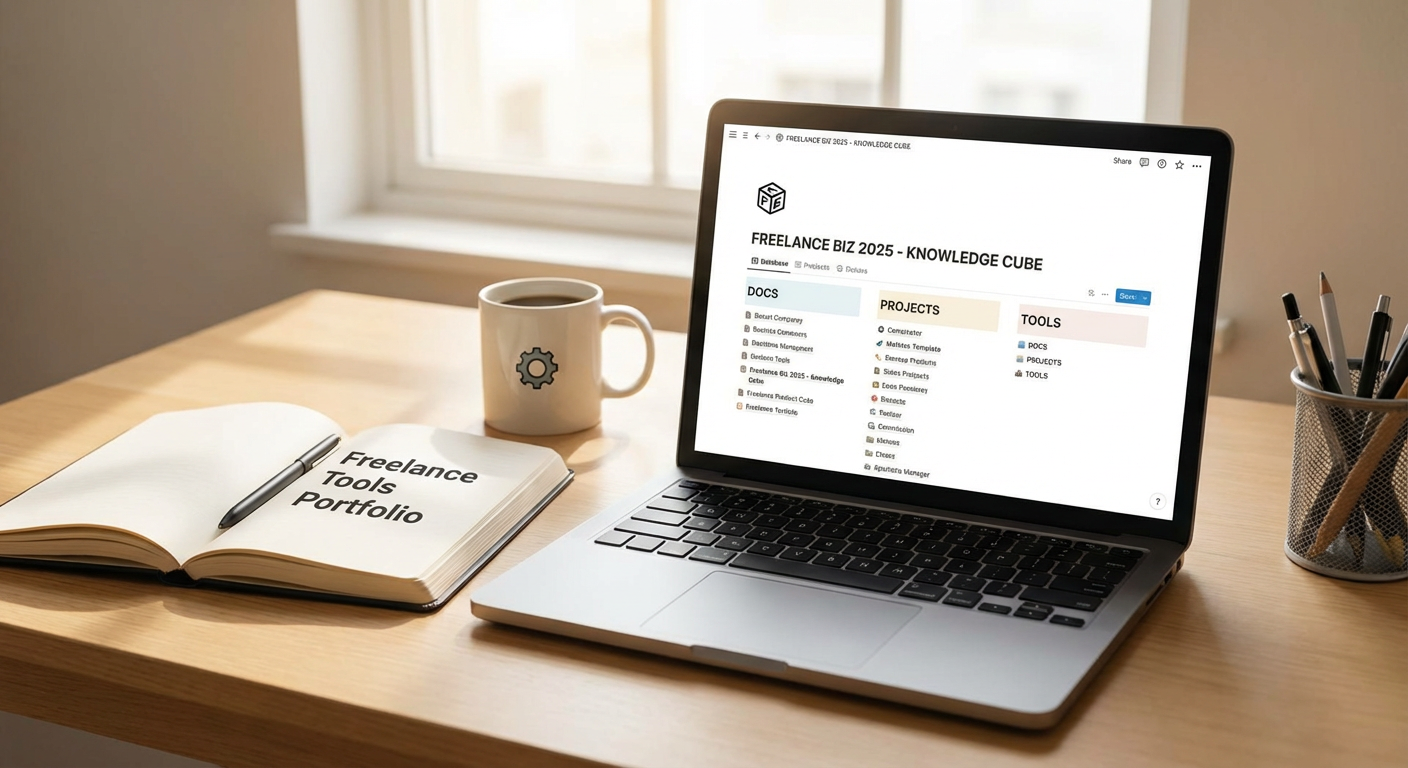
Notion is a workspace tool that combines notes, databases, task lists, and wikis in one place. Freelancers use it to store client information, track project progress, and build internal documentation that makes onboarding new clients or collaborators much easier. The beauty of Notion is its flexibility. You can start simple with a few pages and expand into complex databases as your business scales.
As your freelance work gets more complicated, having a central place for everything becomes critical. Notion supports templates, which means you can standardize your workflows and save time on repetitive tasks. The search function is powerful, so you can find old project notes or client details in seconds. Because Notion is constantly updating its features and integrations, it’s a tool that will stay useful as your needs change. It’s also cross-platform, so you can access your workspace from any device without worrying about compatibility issues.
- Descript for Audio and Video Editing with AI Assistance
Descript is an editing tool that treats audio and video like text documents. You upload your media, and the software transcribes it automatically. Then you edit by cutting, copying, and pasting text, which changes the actual audio or video. This approach makes editing much faster, especially if you produce podcasts, video content, or client presentations.
What makes Descript future-ready is its AI features. The tool can remove filler words, fix mistakes, and even generate synthetic voice recordings if you need to add a line without re-recording. As AI continues to improve, Descript keeps adding features that save time and reduce the need for expensive software or outsourcing. For freelancers who create content regularly, this tool shortens production time and keeps you competitive without a steep learning curve.
- Stripe for Payment Processing and Financial Automation
Stripe is a payment processor that handles credit cards, bank transfers, and digital wallets. It’s more than just a checkout button. Stripe lets you set up subscriptions, send invoices, and automate payment reminders. For freelancers who bill clients monthly or offer retainer packages, Stripe makes recurring revenue much easier to manage.
The platform integrates with thousands of other tools, from accounting software to CRM systems, so your financial data flows smoothly without manual entry. Stripe also supports international payments with automatic currency conversion, which is critical if you work with clients across different countries. The reporting dashboard gives you a clear view of your income, refunds, and failed payments. As your freelance business grows, Stripe scales with you without requiring a complete overhaul of your billing system.
- Grammarly for Writing Quality and Consistency
Grammarly is a writing assistant that checks your grammar, spelling, tone, and clarity in real time. It works across browsers, email clients, and document editors, so you get feedback no matter where you’re writing. For freelancers who communicate with clients through email, proposals, or content deliverables, Grammarly helps you sound professional and polished.
The tool uses AI to suggest improvements based on context, not just rigid grammar rules. It can detect if your tone is too casual or too formal and offer adjustments. The premium version includes a plagiarism checker, which is useful if you write content that needs to be original. Grammarly also offers style guides, so you can set preferences for your brand or client voice and keep your writing consistent. As AI writing tools become more common, having a strong editor that catches mistakes and improves readability becomes even more important.
- Airtable for Project and Client Relationship Management
Airtable is a hybrid between a spreadsheet and a database. It lets you organize projects, clients, tasks, and resources in a visual format with custom fields, filters, and views. Freelancers use it to track everything from content calendars to client onboarding checklists. The interface is intuitive, so you don’t need to be a database expert to build something useful.
Airtable supports automation, which means you can set up triggers that send emails, update records, or create tasks without manual work. For example, when a client project moves to the completed stage, Airtable can automatically send an invoice or a feedback request. The platform also integrates with tools like Slack, Google Drive, and Zapier, so your data stays connected. As your freelance business grows, Airtable adapts without forcing you to migrate to a completely different system.
- Canva for Design and Visual Content Creation
Canva is a design tool that lets you create graphics, presentations, social media posts, and marketing materials without needing advanced design skills. It offers thousands of templates, stock photos, and drag-and-drop editing. For freelancers who need to produce visuals quickly, Canva is both accessible and powerful.
What makes Canva a long-term tool is its constant expansion. The platform now includes video editing, website building, and AI-powered design suggestions. You can build brand kits to keep your colors, fonts, and logos consistent across projects. Canva also supports collaboration, so you can share designs with clients or team members and get feedback directly on the platform. As design trends shift, Canva updates its templates and features to stay current, which means you won’t need to learn a completely new tool every few years.
- Calendly for Scheduling and Time Management
Calendly is a scheduling tool that eliminates the back-and-forth of booking meetings. You set your availability, share a link, and clients or collaborators pick a time that works for them. The tool syncs with your calendar to prevent double bookings and sends automatic reminders to reduce no-shows.
For freelancers who juggle multiple clients and projects, Calendly saves hours every week. You can set up different meeting types with custom durations, locations, and questions. The tool integrates with Zoom, Google Meet, and other video platforms, so your meeting links are generated automatically. Calendly also offers team scheduling features, which is useful if you collaborate with other freelancers or bring on contractors. As your business grows and your schedule gets more complex, Calendly scales without adding friction.
- Zapier for Workflow Automation and Tool Integration
Zapier connects different apps and automates repetitive tasks. You create workflows called Zaps that trigger actions based on specific events. For example, when you receive a new form submission, Zapier can add the contact to your CRM, send a welcome email, and create a task in your project manager. All of this happens without you lifting a finger.
Freelancers use Zapier to reduce manual data entry and keep their tools in sync. The platform supports thousands of apps, from email marketing tools to accounting software. You don’t need coding skills to build a Zap, and the visual editor makes it easy to test and tweak your workflows. As more tools embrace automation, Zapier becomes the glue that holds your tech stack together. Instead of switching between apps and copying information, you let Zapier handle the busy work so you can focus on billable tasks.
- Loom for Asynchronous Communication and Client Updates
Loom is a video messaging tool that lets you record your screen, camera, or both and share the video with a link. Freelancers use it to explain complex ideas, walk clients through deliverables, or provide feedback without scheduling a live meeting. The videos are quick to create and easy to consume, which makes communication more efficient.
What makes Loom valuable for the long term is its focus on async work. As remote work becomes the norm, clients and freelancers often work in different time zones. Loom lets you communicate clearly without waiting for everyone to be online at the same time. The platform includes features like transcriptions, comments, and emoji reactions, so recipients can respond and ask questions directly on the video. Loom also integrates with project management tools and CRMs, so your videos become part of your documented workflow. For freelancers who want to scale without adding more meetings, Loom is a practical solution.
- Wave for Accounting and Financial Tracking
Wave is a free accounting software designed for small businesses and freelancers. It handles invoicing, expense tracking, and financial reporting without the complexity of enterprise tools. You can connect your bank accounts, categorize transactions, and generate profit and loss statements with a few clicks. The invoicing feature lets you send professional bills with payment links, so clients can pay you directly through the platform.
Wave is built to grow with you. As your freelance income increases, you can add features like payroll processing or receipt scanning without switching to a completely different system. The software also prepares reports that make tax filing easier, which saves you time and stress at the end of the year. Because Wave is cloud-based, you can access your financials from anywhere and share reports with your accountant if needed. For freelancers who want to stay organized without paying for expensive accounting software, Wave offers a reliable foundation that adapts as your business matures.
Building a freelance business that lasts means choosing tools that adapt, automate, and support growth. The platforms on this list are designed to handle the challenges of modern freelancing, from client communication to financial management. They embrace new technology without forcing you to constantly relearn everything. Start with one or two tools that address your biggest pain points, then expand your stack as your business grows. The right software doesn’t just save time. It gives you the freedom to focus on the work that matters and build a business that stays strong for years to come.