

12 Must-Have Tools for Bloggers and Content Creators Who Want to Work Smarter
If you create content for a living, you already know that juggling multiple tasks can get overwhelming fast. Writing, editing, designing, promoting, and managing projects all demand time and energy. The right tools can take some of that weight off your shoulders and help you produce better work in less time. This list focuses on practical solutions that solve real problems for bloggers and content creators. Whether you’re just starting out or you’ve been at it for years, these tools will help you streamline your workflow and get more done without burning out.
- Legiit
When you need help with specific tasks but don’t want to commit to hiring full-time staff, Legiit offers a marketplace built specifically for digital services. You can find writers, graphic designers, video editors, SEO specialists, and more who understand the needs of content creators. The platform makes it simple to browse portfolios, compare pricing, and hire someone who fits your project and budget.
What sets Legiit apart is its focus on digital marketing and content services rather than general freelancing. This means the people you find there speak your language and understand the specifics of blogging, content strategy, and online promotion. If you’re looking to scale your content production or need expert help on a particular aspect of your work, this is a solid place to start.
- Hemingway Editor
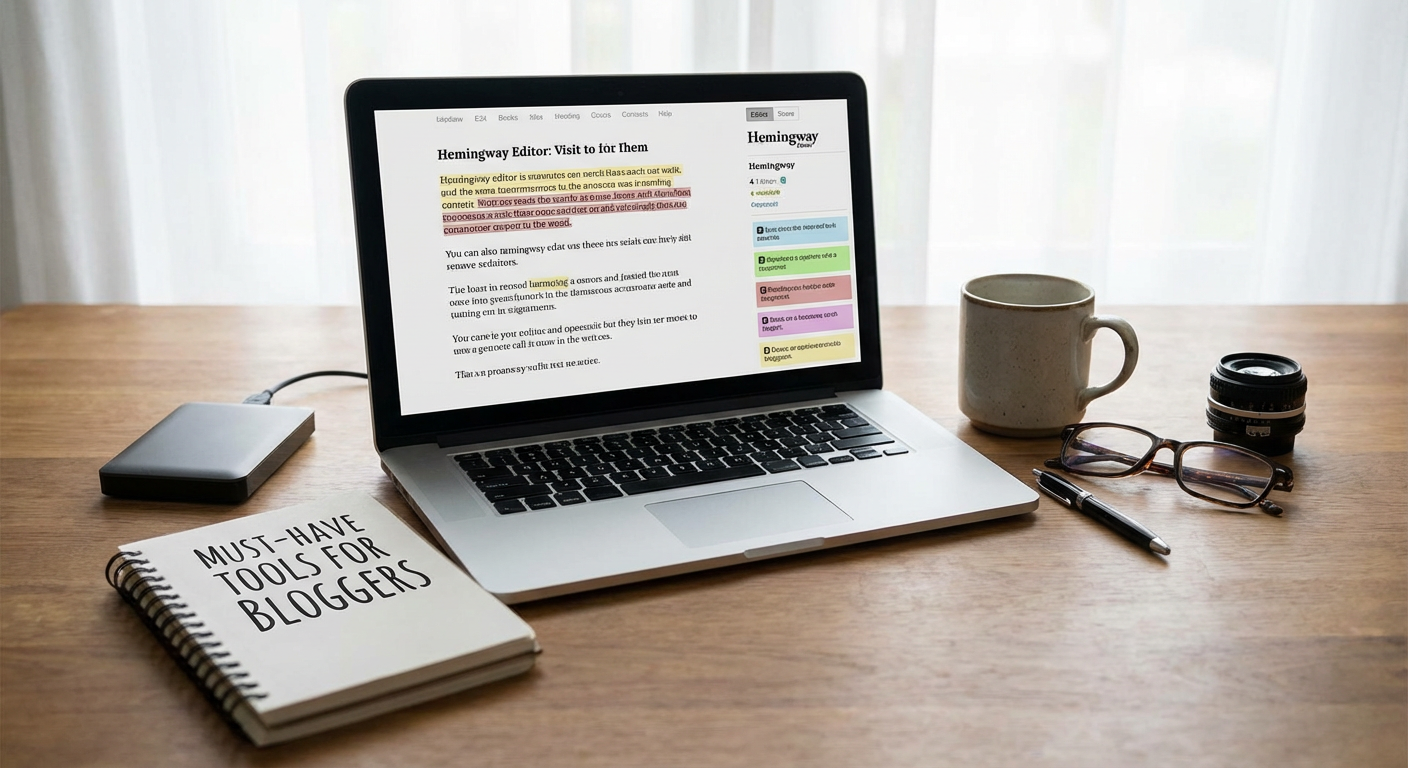
Good writing is clear writing, and Hemingway Editor helps you get there by highlighting sentences that are too complex or hard to read. It flags passive voice, suggests simpler alternatives for complicated words, and shows you where your writing might lose readers. The color-coded feedback makes it easy to spot problem areas at a glance.
This tool is especially helpful if you tend to write long, winding sentences or if English isn’t your first language. You can use the free web version or purchase the desktop app for offline editing. Either way, it’s a quick way to tighten up your prose and make your content more accessible to a wider audience.
- Pocket
Research is a huge part of content creation, but trying to read everything the moment you find it can derail your workflow. Pocket lets you save articles, videos, and web pages to read later, all in one organized place. You can access your saved content from any device, even offline, which makes it perfect for reading on the go.
The tagging system helps you organize research by topic or project, so you can quickly find what you need when it’s time to write. If you’re someone who constantly opens dozens of browser tabs for research, Pocket will clean up that chaos and give you a better way to manage your reading list.
- Otter.ai
Recording interviews, podcasts, or brainstorming sessions is one thing. Transcribing them is another task entirely. Otter.ai automatically transcribes audio in real time with impressive accuracy. You can record directly in the app or upload existing audio files, and it will generate a searchable transcript you can edit and share.
This tool is a huge time saver if you create content based on interviews, meetings, or spoken ideas. Instead of spending hours typing out recordings by hand, you can focus on shaping the content itself. The free plan offers a generous amount of transcription time each month, making it accessible even if you’re on a tight budget.
- LastPass
As a content creator, you probably manage accounts for social media, email marketing, analytics, hosting, and more. Remembering dozens of passwords is impossible, and using the same password everywhere is risky. LastPass securely stores all your login information and auto-fills it when you need it, so you only have to remember one master password.
Beyond convenience, this tool protects you from security breaches and makes it easy to use strong, unique passwords for every account. You can also share login credentials with team members or contractors without revealing the actual password, which is helpful if you work with others on your content projects.
- CoSchedule Headline Analyzer
Your headline can make or break whether someone clicks on your content. CoSchedule’s free Headline Analyzer scores your headlines based on word balance, length, sentiment, and readability. It gives you specific feedback on how to improve your titles so they grab attention and drive more traffic.
You can test multiple variations of a headline and compare scores to see which one performs best. This takes the guesswork out of writing titles and helps you create headlines that stand out in crowded feeds and search results. It’s a small step that can have a big impact on how many people actually read your work.
- Notion
Keeping track of content ideas, editorial calendars, research notes, and project details can quickly become a mess if you don’t have a good system. Notion combines notes, databases, task lists, and wikis into one flexible workspace. You can structure it however you want, which makes it perfect for organizing everything related to your content creation process.
Many bloggers use Notion to manage their content calendar, track article ideas, store templates, and collaborate with team members. The learning curve is a bit steep at first, but once you set it up to match your workflow, it becomes an indispensable part of your process. The free plan offers plenty of features for individual creators.
- Pixabay
Finding high-quality images that you can legally use in your content is harder than it should be. Pixabay offers a massive library of free stock photos, illustrations, and videos that you can use without worrying about copyright issues. The content is contributed by a global community and released under a simple license that allows commercial use.
While the selection isn’t as curated as paid stock photo sites, the variety is impressive and the price is right. You can search by keyword, color, orientation, and category to find images that fit your content. This is especially useful if you publish frequently and need a steady stream of visuals without a big budget.
- Mailchimp
Building an email list is one of the smartest moves you can make as a content creator, and Mailchimp makes it straightforward to get started. You can design signup forms, send newsletters, segment your audience, and track how your emails perform. The drag-and-drop email builder means you don’t need to know any code to create professional-looking messages.
The free plan supports up to a certain number of subscribers and sends, which is enough for most people just starting out. As your list grows, you can upgrade to access more features like automation and advanced analytics. Email gives you a direct line to your audience that isn’t controlled by social media algorithms, making it a valuable asset for any content creator.
- GIMP
Sometimes you need to edit images but don’t want to pay for expensive software. GIMP is a free, open-source image editor that offers many of the same features as Photoshop. You can crop, resize, retouch photos, create graphics, and work with layers. The interface takes some getting used to if you’re coming from other programs, but the capabilities are powerful once you learn your way around.
This tool is ideal for bloggers who need to create featured images, edit screenshots, or make simple graphics for social media. There’s a large community around GIMP, so you can find plenty of tutorials and plugins to extend its functionality. If your budget doesn’t allow for a subscription to professional design software, GIMP is a solid alternative.
- Answer the Public
Figuring out what your audience actually wants to read about can feel like guesswork. Answer the Public takes a keyword and generates a visual map of questions, prepositions, and comparisons that people are searching for online. This gives you a goldmine of content ideas based on real search behavior.
You can use these insights to create blog posts, videos, or social media content that directly addresses what people are asking. The free version lets you run a limited number of searches per day, which is usually enough for planning your content calendar. This tool is particularly helpful when you’re stuck for ideas or want to make sure your content aligns with what your audience is looking for.
- Google Analytics
Creating content without tracking how it performs is like driving with your eyes closed. Google Analytics shows you who’s visiting your site, where they’re coming from, which pages they’re reading, and how long they’re staying. This data helps you understand what’s working and what isn’t, so you can make smarter decisions about your content strategy.
The amount of information can feel overwhelming at first, but you don’t need to become an expert to get value from it. Start by tracking a few key metrics like page views, bounce rate, and traffic sources. Over time, you’ll learn to spot patterns and use that information to create more of what your audience loves. Best of all, it’s completely free to use.
The tools you use can either make your work easier or add to your stress. The right ones save you time, help you produce better content, and keep you organized when things get hectic. You don’t need every tool out there, but having a solid set of go-to resources makes a real difference in how efficiently you work. Start with one or two tools from this list that address your biggest pain points, and build from there. Your future self will thank you for putting these systems in place now.