

10 SaaS Dashboards That Help Agencies Reclaim Their Workday
Running an agency means juggling clients, projects, deliverables, and a thousand small details that can eat up your day. The right dashboard can pull everything into one place, giving you visibility and control without the endless tab-switching and manual updates. This list focuses on tools that genuinely save time by automating repetitive work, centralizing information, and making collaboration easier. Whether you manage a marketing team, a creative studio, or a consulting practice, these dashboards can help you get hours back every week.
- Legiit
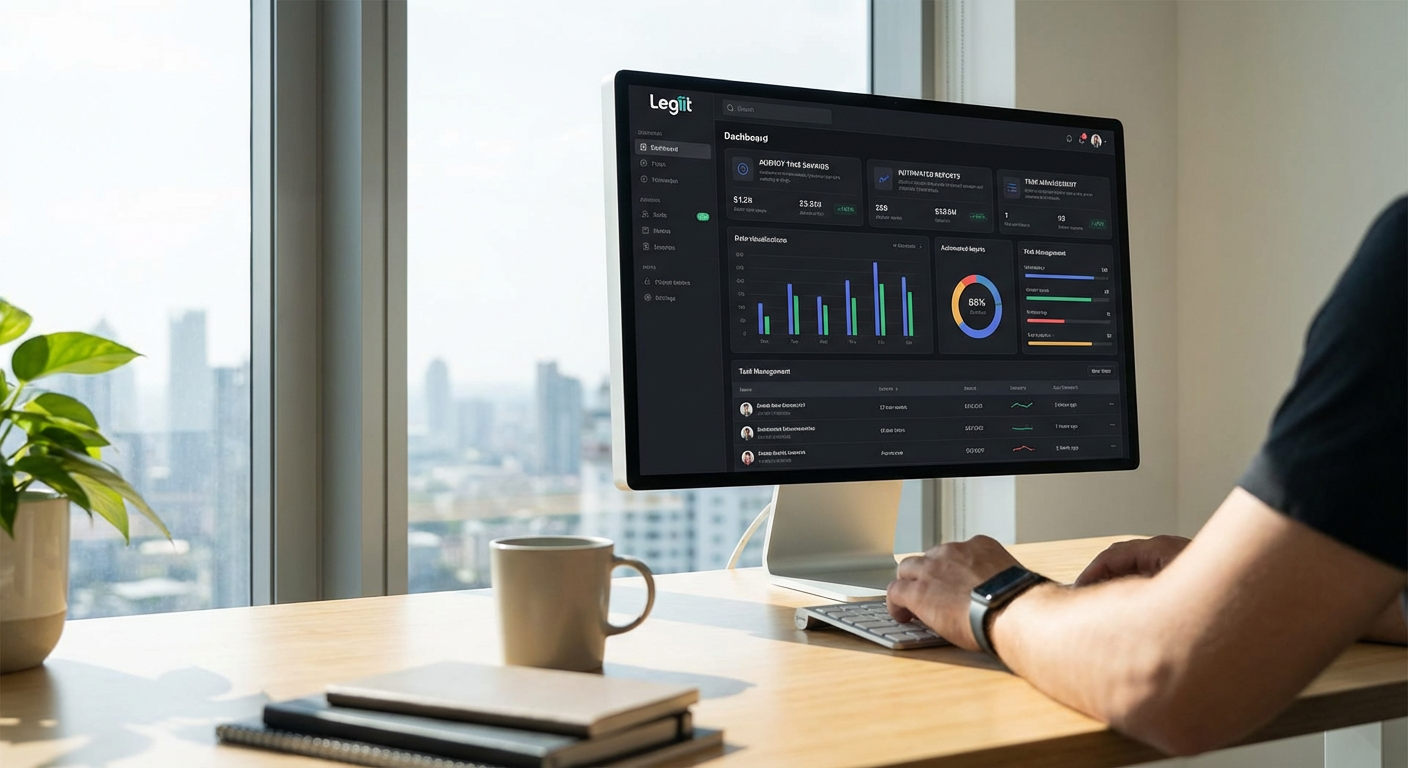
Legiit offers a centralized dashboard built specifically for agencies and freelancers who need to manage services, clients, and projects without juggling multiple platforms. You can track orders, communicate with clients, handle payments, and monitor project progress all from one interface. The platform streamlines the entire service delivery process, so you spend less time on admin work and more time on the actual work that matters.
What sets Legiit apart is how it simplifies client onboarding and recurring service management. You can set up service packages, automate invoicing, and keep all project files and messages in one thread. This eliminates the back-and-forth emails and scattered documents that usually slow agencies down. For teams that offer ongoing retainers or subscription services, the dashboard makes it easy to see what’s due, what’s in progress, and where bottlenecks are forming.
- Zoho Analytics

Zoho Analytics pulls data from dozens of business apps into custom dashboards that you can build without writing code. If your agency uses different tools for CRM, email marketing, project management, and accounting, this platform connects them all and generates reports automatically. You can set up scheduled reports that land in your inbox every Monday morning, so you always know where your numbers stand.
The real time saver is the AI assistant that can answer questions in plain English. Instead of building a report to find out which clients are most profitable this quarter, you can just ask and get an answer in seconds. For agencies that bill by the hour or track performance across multiple campaigns, having all that data in one place cuts down on manual spreadsheet work and reduces the chance of errors.
- Whatagraph
Whatagraph is built for marketing agencies that need to send reports to clients regularly. The dashboard connects to platforms like Google Ads, Facebook, Instagram, Google Analytics, and more, then automatically updates your reports with fresh data. You set up a template once, and the tool handles the rest, pulling in metrics and generating visual reports that clients can actually understand.
This saves hours every week that would otherwise go into copying numbers from different platforms, pasting them into slides, and making sure everything looks presentable. You can white-label the reports with your agency branding, schedule them to send automatically, and even give clients live dashboard access so they can check their metrics anytime. For agencies managing ten or more clients, this kind of automation is a lifesaver.
- Databox
Databox consolidates performance data from marketing, sales, and analytics tools into dashboards that update in real time. You can monitor everything from website traffic to revenue goals on your phone, computer, or even a TV mounted in your office. The mobile app is particularly useful for agency owners who need to keep tabs on metrics while away from their desk.
What makes Databox practical is the Goals feature, which lets you set targets and track progress throughout the month. Instead of waiting until the end of a campaign to see if you hit your numbers, you get alerts when metrics dip or spike. This means you can adjust strategy mid-campaign rather than realizing too late that something wasn’t working. The tool also includes benchmarking data, so you can see how your performance compares to similar agencies.
- AgencyAnalytics
AgencyAnalytics is designed specifically for digital marketing agencies that manage SEO, PPC, social media, and email campaigns for multiple clients. The dashboard brings together data from over 60 integrations and turns it into client-ready reports with just a few clicks. You can track keyword rankings, backlinks, ad spend, social engagement, and more without logging into a dozen different platforms.
The platform also includes a client portal where your clients can log in and view their dashboards anytime. This reduces the number of ‘how are we doing?’ emails you get each week, since clients can check their own metrics whenever they want. For agencies that bill based on performance, having transparent, always-available data builds trust and makes renewals easier.
- Klipfolio
Klipfolio gives you complete control over how your dashboards look and what data they display. You can pull information from hundreds of sources, including databases, spreadsheets, APIs, and popular business apps. The drag-and-drop editor makes it easy to build custom dashboards that show exactly what your team needs to see, whether that’s project budgets, client health scores, or campaign ROI.
This tool works well for agencies with specific reporting needs that off-the-shelf solutions don’t cover. You can create formulas, blend data from multiple sources, and build visualizations that match your workflow. If your agency has a data analyst or someone comfortable with light scripting, Klipfolio can be customized to do almost anything. For teams that need flexibility more than simplicity, this is a strong option.
- Geckoboard
Geckoboard focuses on live TV dashboards that display key metrics in a format your whole team can see at a glance. The idea is to create visibility around important numbers so everyone stays aligned without needing to attend another status meeting. You can connect data from your CRM, support desk, analytics tools, and more, then display it on a screen in your office or share it via a web link.
This works particularly well for agencies that want to create a culture of accountability and transparency. When everyone can see how close you are to monthly goals or how many support tickets are still open, it keeps priorities clear. The setup is straightforward, and the visual templates are designed to be readable from across a room. For remote teams, you can share the dashboard link so everyone has access during virtual standups.
- Cyfe
Cyfe is an all-in-one dashboard tool that connects to a wide range of services, including social media, analytics, advertising, email, and sales platforms. You can build multiple dashboards for different clients or departments, and the tool updates everything automatically. The interface is clean and simple, so even team members who aren’t tech-savvy can quickly understand what they’re looking at.
One of the standout features is the ability to create custom widgets using your own data sources or APIs. If you use a niche tool that doesn’t have a pre-built integration, you can still pull that data into Cyfe with a little setup work. The platform also offers white-label options, so you can share dashboards with clients under your own branding. For smaller agencies that need a budget-friendly option with solid functionality, Cyfe delivers good value.
- Grow
Grow is built for businesses that want to make data-driven decisions without hiring a full data science team. The dashboard connects to over 150 data sources and uses visual charts and graphs to make complex information easier to digest. You can set up automated alerts that notify you when certain thresholds are met, like when ad spend exceeds a certain amount or when a client’s website traffic drops.
The collaboration features are useful for agencies with multiple stakeholders. You can leave comments directly on charts, tag team members, and track how metrics change over time. Grow also offers a mobile app, so you can check in on performance while traveling or between meetings. For agencies that manage large budgets or multiple service lines, having this level of oversight helps prevent costly mistakes and keeps projects on track.
- Google Data Studio
Google Data Studio is a free tool that lets you create custom reports and dashboards using data from Google services and hundreds of third-party connectors. You can pull in data from Google Analytics, Google Ads, Google Sheets, and other platforms, then build visual reports that update automatically. The drag-and-drop editor is intuitive, and there are plenty of templates to help you get started quickly.
Because it’s free and integrates tightly with the Google ecosystem, Data Studio is a popular choice for agencies already using Google products. You can share reports with clients by sending a link, and they’ll always see the most current data without needing to download anything. The learning curve is manageable, and there’s a large community of users who share tips and templates. For agencies on a tight budget or just getting started with automated reporting, this is a solid place to begin.
The right dashboard can turn hours of manual reporting and data gathering into a few clicks. Each tool on this list offers a different approach, from marketing-specific reporting to fully customizable data visualization. The key is finding the one that fits your workflow, integrates with the tools you already use, and solves the specific time drains your agency faces. Start with one dashboard, get comfortable with it, and watch how much faster your team can move when everyone has access to the same information in real time.