
10 Practical Tools to Boost Your Freelancing Productivity: Hands-On Tips for Immediate Results
Running a freelancing business means wearing multiple hats at once. You need to find clients, deliver quality work, manage finances, and somehow find time to breathe. The right tools can turn chaos into order, but only if you know how to use them effectively. This list focuses on practical, actionable ways to implement productivity tools that actually make a difference in your daily workflow. Whether you’re just starting out or looking to streamline your established business, these recommendations come with real tips you can apply today.
- Legiit: Your Practical Hub for Outsourcing and Client Acquisition
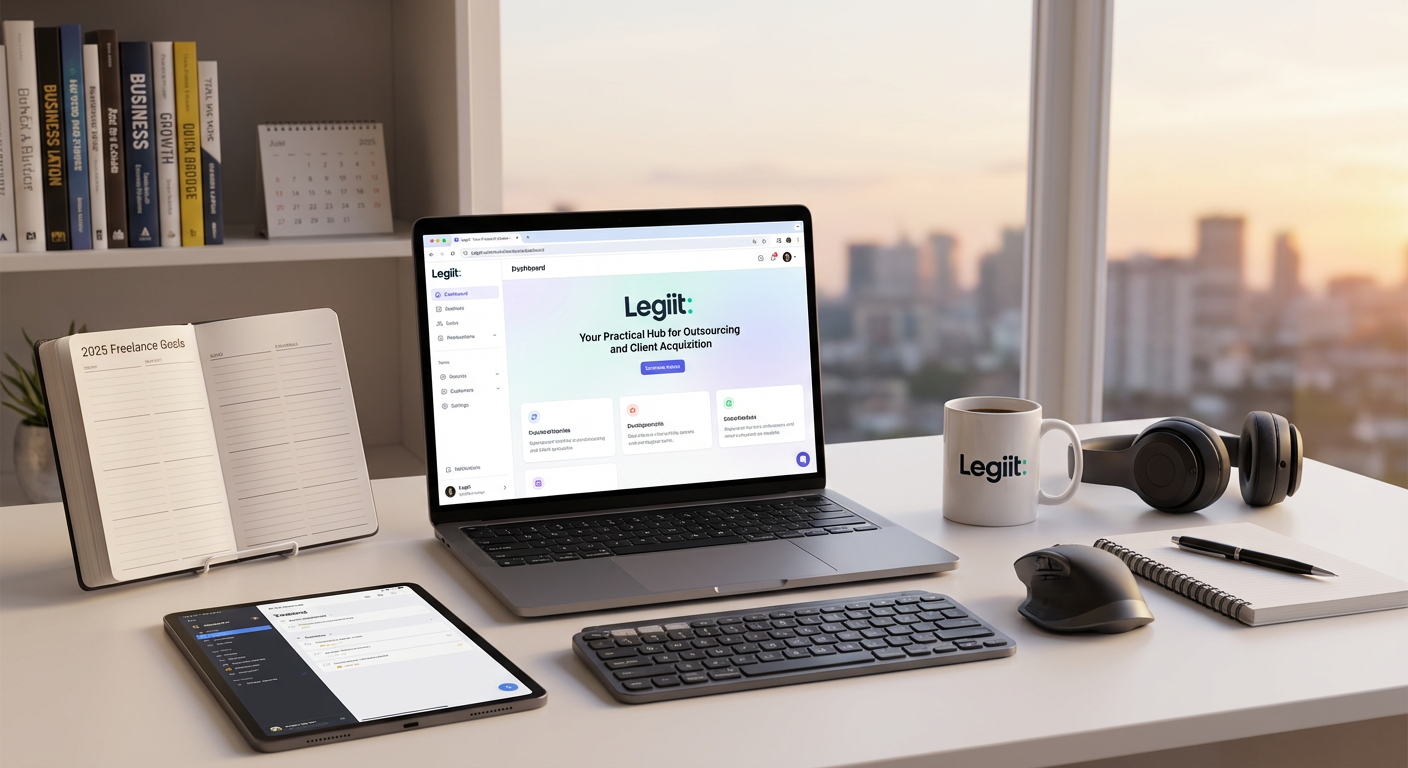
Legiit serves as both a marketplace to find clients and a platform to outsource work when you’re stretched thin. Start by creating a detailed service listing with clear deliverables and turnaround times. This specificity attracts better clients and reduces back-and-forth communication. When you land more work than you can handle, use Legiit to hire other freelancers for tasks outside your core expertise.
Set up your profile with portfolio samples that show your best work, not everything you’ve ever done. Focus on three to five strong examples that represent what you want to be hired for. Price your services based on the value you deliver, not just your time, and adjust as you gather reviews. The platform handles payments and contracts, which means you spend less time chasing invoices and more time doing billable work.
- Toggl Track: Time Tracking That Actually Changes Your Pricing
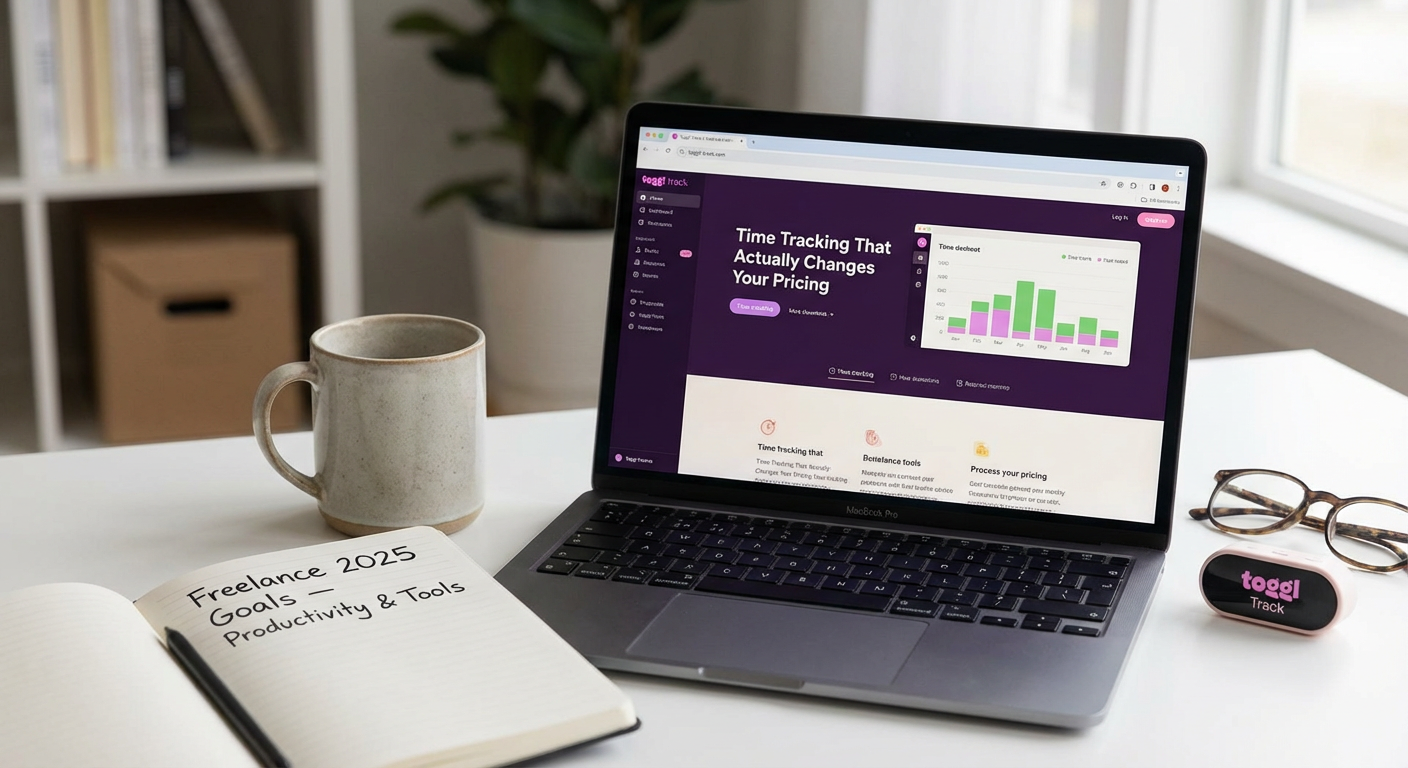
Most freelancers guess how long tasks take, which leads to undercharging and burnout. Install Toggl Track and run it for two full weeks on every single task you do, including emails and admin work. Tag each entry by client and project type. At the end of those two weeks, review the data to see where your time actually goes.
You’ll probably find that certain clients or project types eat up more hours than you realized. Use this information to adjust your rates or set boundaries. For example, if client communication takes three hours per project on average, build that into your quotes. The desktop app has a simple one-click timer that sits in your menu bar, so tracking becomes automatic rather than a chore you forget to do.
- Notion: Build Your Client Management System in One Afternoon
Notion works as a database, document editor, and project tracker all in one place. Create a simple client database with columns for contact info, project status, deadlines, and payment terms. Add a linked database for active projects that shows which client each belongs to. This takes about two hours to set up properly, but it replaces multiple scattered tools.
Start with Notion’s freelancer template if building from scratch feels overwhelming, then customize it as you go. Store client briefs, contract templates, and project notes in the same workspace so everything lives in one searchable location. The mobile app syncs instantly, which means you can update project status or check client details while away from your desk. Set up a weekly review page where you plan your upcoming work and reflect on what got done.
- Grammarly: Edit Your Own Work Like a Pro
Grammarly catches errors that spell-check misses and suggests clarity improvements in real time. Install the browser extension so it works in Gmail, Google Docs, and most web-based platforms where you write. The free version handles grammar and spelling, while the premium version suggests tone adjustments and word choice improvements that make your writing sound more polished.
Create a personal dictionary for industry terms and client-specific words so Grammarly stops flagging them as errors. Review the weekly performance report to identify patterns in your writing mistakes. If you consistently misuse certain punctuation or overuse particular words, you can consciously work on those habits. This tool particularly helps when you’re writing late at night or juggling multiple client voices, as it catches mistakes your tired brain skips over.
- Calendly: Stop the Email Tennis Around Scheduling
Back-and-forth emails about meeting times waste hours each week. Set up Calendly with your actual availability, including buffer time between meetings. Link it in your email signature and client onboarding documents. Clients book time slots that work for both of you without a single scheduling email.
Configure different meeting types for discovery calls, project check-ins, and feedback sessions, each with appropriate durations. Set a minimum scheduling notice of 24 hours so you’re not surprised by same-day meetings. Connect it to your main calendar so personal appointments automatically block off your availability. Add a custom question or two to the booking form so clients can tell you what they want to discuss, which lets you prepare properly instead of walking into calls blind.
- LastPass: Secure Your Client Access Without the Headache
Freelancers often juggle login credentials for dozens of client accounts, from social media to content management systems. LastPass stores all these passwords securely and fills them in automatically. More importantly, it generates strong, unique passwords for each account, which protects both you and your clients from security breaches.
Organize passwords into folders by client name so you can quickly find what you need. Use the secure notes feature to store other sensitive client information like API keys or account numbers. When a client project ends, you can easily remove their folder and ensure you’re not holding onto access you no longer need. The emergency access feature lets you designate someone who can access your vault if something happens to you, which provides peace of mind for ongoing client relationships.
- Loom: Replace Lengthy Emails with Quick Video Messages
Some client questions or project updates take ten minutes to explain in writing but two minutes to show on screen. Loom records your screen and your face simultaneously, creating personal video messages you can share with a link. Use it for project walkthroughs, design feedback, or explaining revisions.
Record a quick Loom instead of writing a novel when a client asks how to use something you built for them. The videos save automatically to your library, and viewers can comment at specific timestamps, which makes feedback more precise. Set up keyboard shortcuts so you can start recording instantly without opening the app. Keep videos under five minutes for maximum impact. Clients appreciate the personal touch, and you save significant time compared to writing detailed instructions or scheduling calls for simple questions.
- Trello: Visualize Your Workflow and Stop Dropping Balls
Trello boards give you a visual overview of every project stage. Create columns for incoming requests, in progress, waiting on client, and completed. Each project gets a card that moves through these stages. This simple system prevents tasks from falling through the cracks and shows you exactly what needs attention.
Add due dates to cards and enable calendar view so you can see your deadlines in a timeline format. Use labels to color-code projects by client or priority level. Attach relevant files directly to cards so project assets stay organized. Set up a Butler automation that moves cards to a specific list when you check off all items, which reduces manual clicking. Review your board every morning to decide what deserves your focus that day, and update it before you log off so you start fresh tomorrow.
- FreshBooks: Invoicing That Actually Gets You Paid Faster
FreshBooks creates professional invoices in under a minute and tracks whether clients have opened them. Set up recurring invoices for retainer clients so billing happens automatically each month. The system sends polite payment reminders without you lifting a finger, which dramatically improves your cash flow.
Connect your bank account so you can match payments to invoices and see your actual income at a glance. Use the expense tracking feature to photograph receipts with your phone and categorize business expenses as they happen. Generate profit and loss reports before tax time instead of scrambling through bank statements. Set up project-based invoicing if you bill hourly, and the time entries from tracked hours automatically populate your invoice line items. Accept credit card payments directly through invoices, which makes it easier for clients to pay immediately rather than processing checks or transfers.
- Focus@Will: Audio That Actually Helps You Concentrate
This service streams music specifically engineered to improve focus based on neuroscience research. Unlike regular playlists that can become distracting, Focus@Will tracks are designed to stay in the background while boosting productivity. Choose from different channels based on your work style and energy level.
Start a focus session when you begin deep work, and the app tracks your productive time while playing appropriate music. Experiment with different channels to find what works for your brain. Some people focus better with ambient sounds, while others need rhythmic beats. Use the productivity tracker to correlate your output with different music types and times of day. The sessions default to reasonable work blocks with built-in breaks, which helps prevent burnout. Turn it on during your most challenging tasks rather than background admin work to maximize the benefit.
Productivity tools only work when you actually implement them, not when they sit in your bookmarks folder. Pick two or three from this list that address your biggest pain points right now. Spend an afternoon setting them up properly with your real information and workflows. Give each tool at least two weeks of consistent use before deciding if it fits your work style. The goal is not to use every tool available, but to find the specific combination that makes your freelancing business run smoother. Start small, build habits around the tools that stick, and watch your productivity improve without adding more hours to your workday.